


Setup for working with the store component
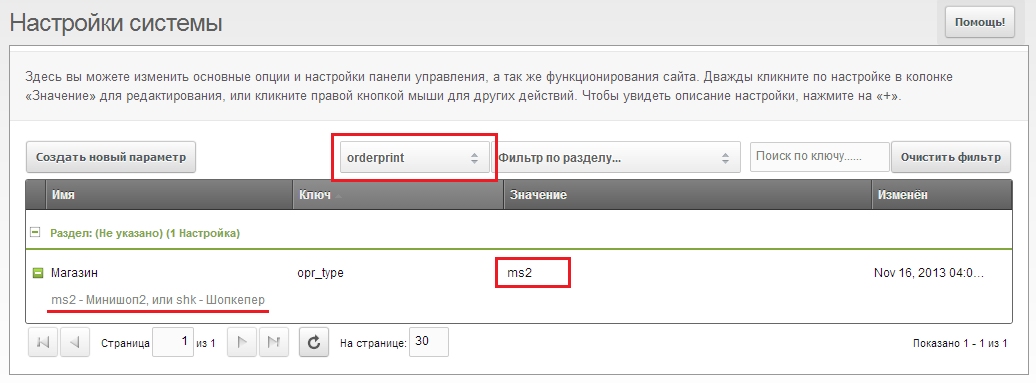
By default OrderPrint is configured for MiniShop2. If your site uses Shopkeeper, set the system setting opr_type ("Store" under "orderprint") to "shk". Many placeholders will change: MS2-specific ones become unavailable and SHK-specific ones appear, so you work with the store you are used to. For example, the product row template for MS2 has [[+thumb]], which SHK does not have; instead you can use TV image, whose value goes to [[+tv_add.image]]. So in templates you will need to replace MS2-specific tags with SHK tags.
Documents
- name
- description
- main template — chunk name used as the full document template
- product row template — chunk name for a single product in the order items table; if omitted, the table is not built
- available for users — if set to YES, users can print their orders as this document from the frontend
- landscape orientation — YES/NO
- margins — document margins as comma-separated values, starting from top
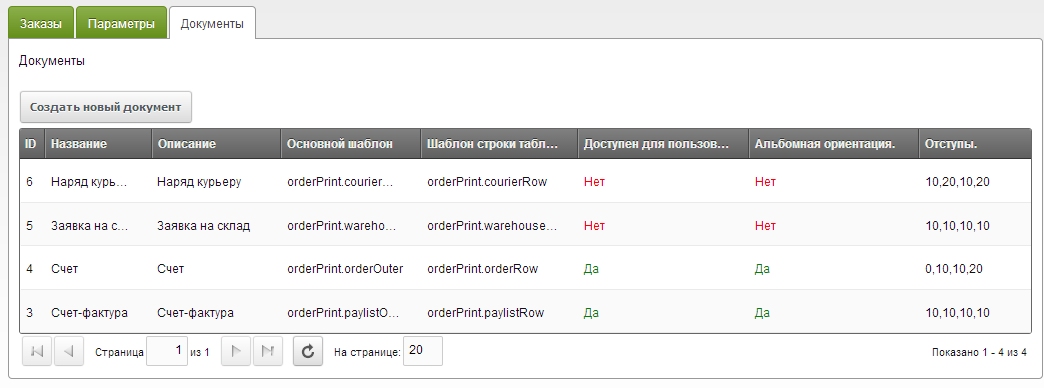
You can create any number of documents; they are available for use right after saving.
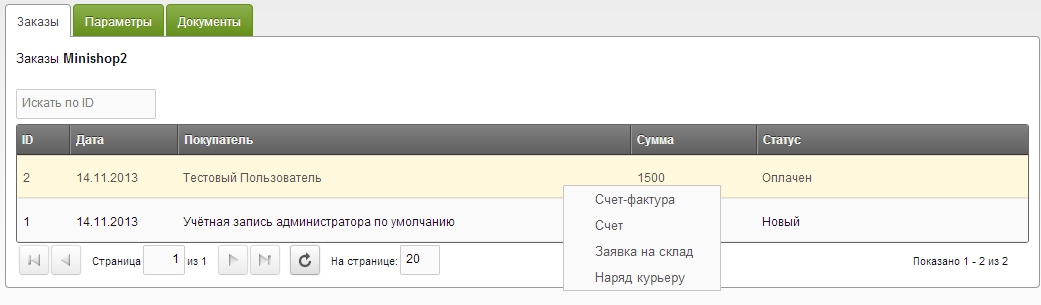
To print a document, on the "Orders" tab right-click the order and choose the desired document from the menu.
Parameters
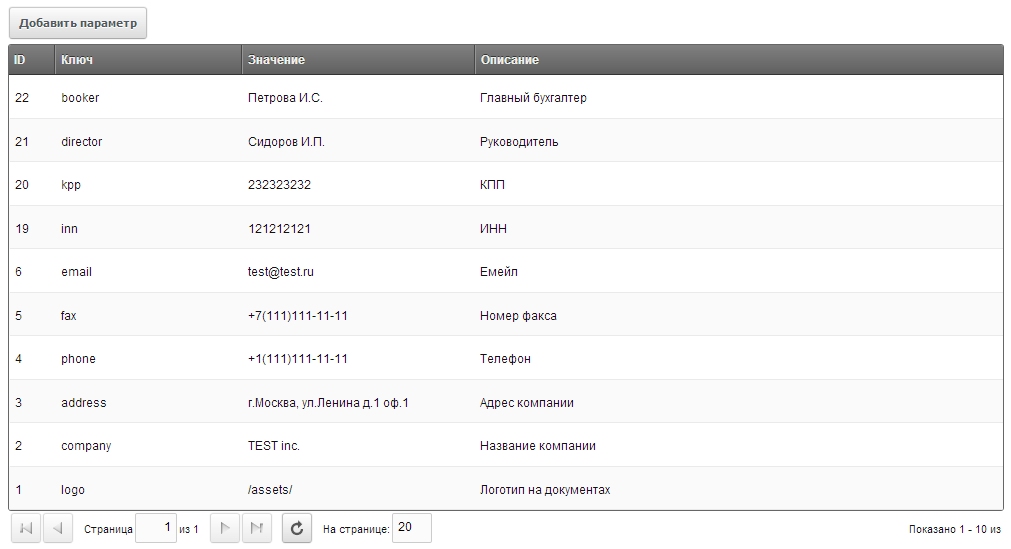
Besides order data and system parameters, document templates can use OrderPrint custom parameters. Useful for data not stored in the system (tax ID, manager name, courier name, bank name, etc.).
On the "Parameters" tab you can manage custom parameters: edit, delete, or create new ones. Each parameter has:
- key — parameter key, like system setting keys. A parameter with key mycustomkey is output in document templates as
[[+mycustomkey]] - value
- description
Outputting print links on the frontend
The component includes the orderPrint snippet to output links for site users. Parameters:
| Parameter | Default | Description |
|---|---|---|
| tpl | orderPrint.LinkTpl | Chunk name for outputting the links |
| orderId | Order id | |
| docs | all available for frontend | Comma-separated document ids |