


msProfile
Profile management: product payment from user's internal balance

The msProfile add-on is for working with miniShop2 customer profiles, introduced in version 2.1.0-beta1.
After installation you can find them on the orders page
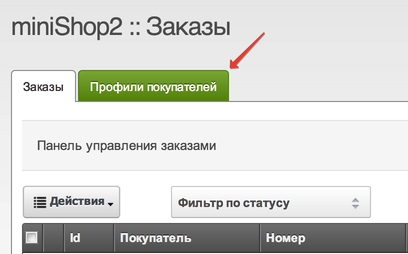
You will see a list of all customer profiles, how much they have spent in your store, and how much they currently have in their account.

Note that the profile is created on the first order payment operation. If the user has only registered and done nothing else — they will not be in the profiles table
View details by double-clicking the user or via the context menu.
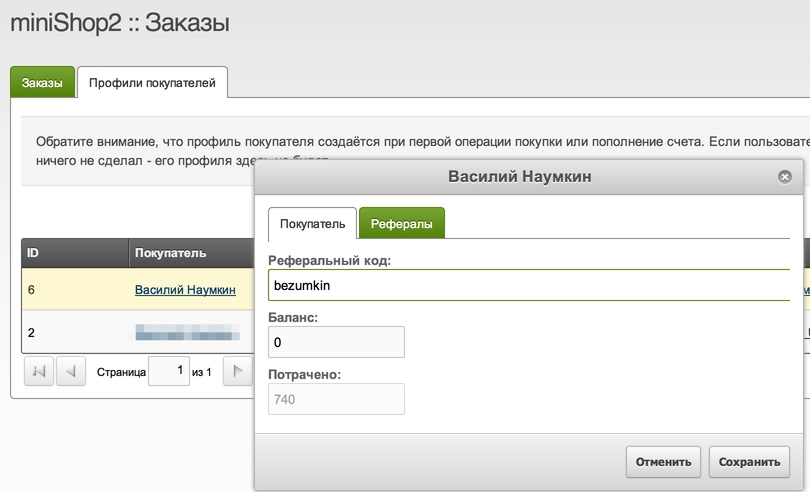
You can change the referral code, which is generated randomly, and change the user's account balance. Any unauthenticated user who visits http://sitename.ru/anypage.html?msfrom=referral_code and then registers will be counted as a referral of the user whose code was used.
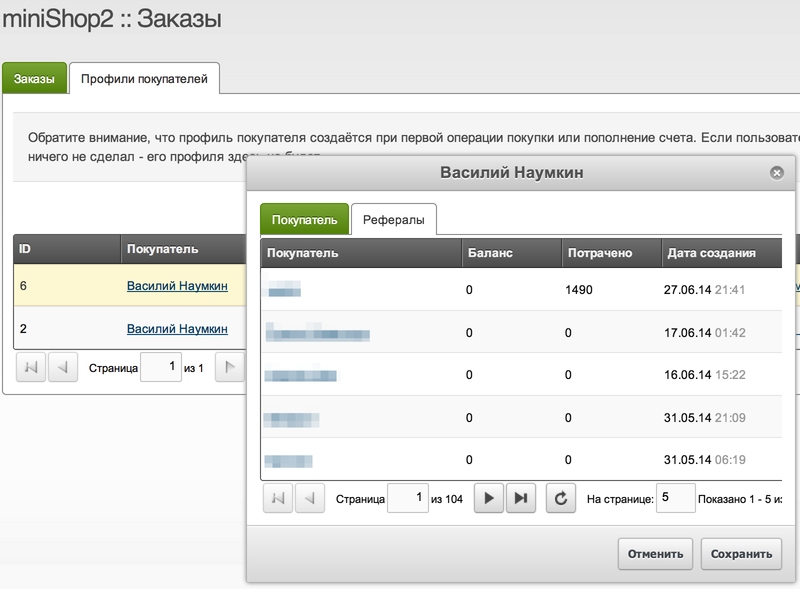
The adjacent tab lists referrals brought to your site by this user.
The user replenishes their account themselves via miniShop2 payment methods and the msProfileCharge snippet.
When msProfile is installed you get a new payment method — CustomerAccount, i.e. user account. To use it, you need to configure account top-up and enable the method.
