



EasySettings
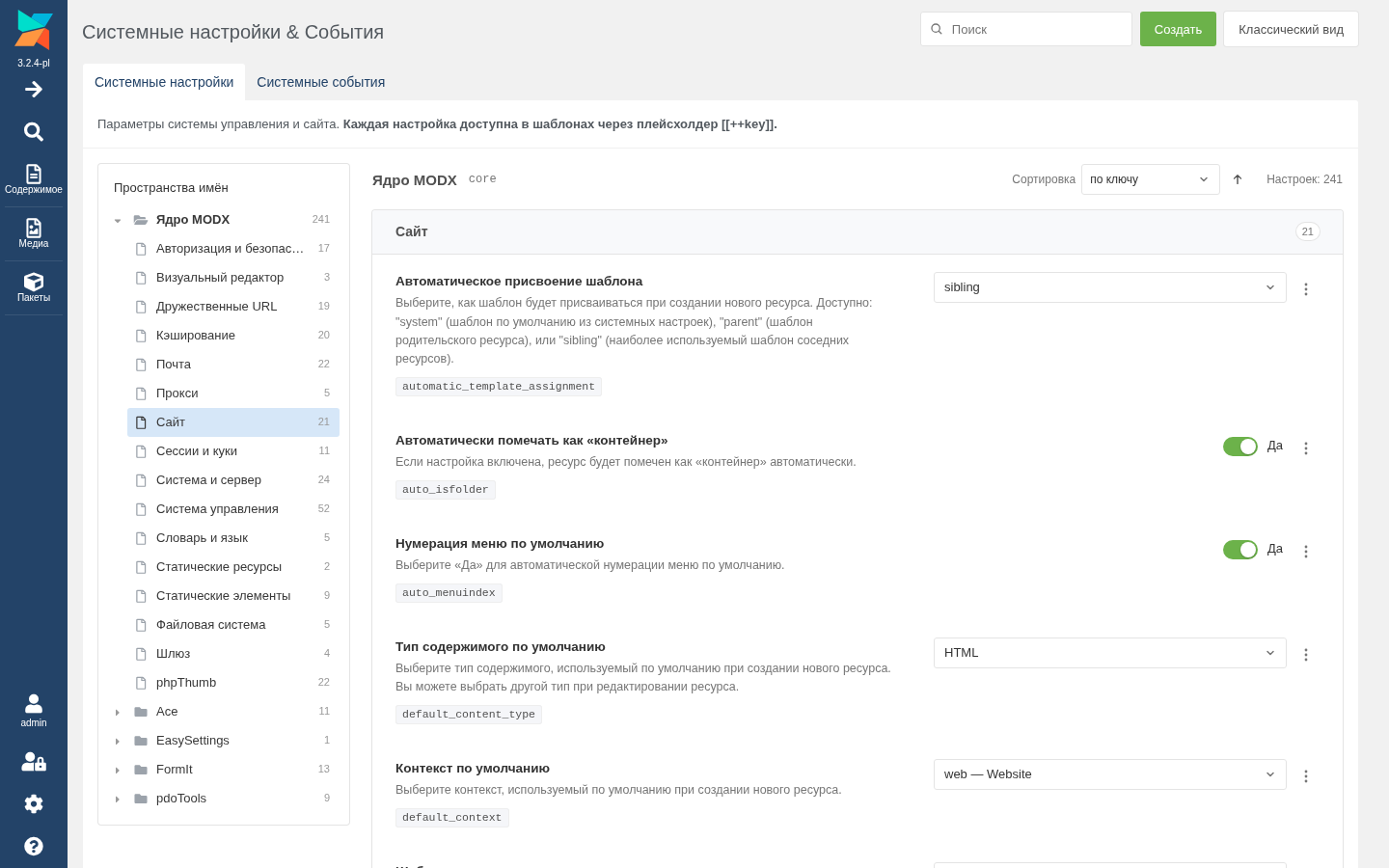
MODX Revolution 2 and 3 component: replaces the System Settings page with a convenient form. Settings are laid out by namespace and area, each with its name, description and a field of its own type. Change as many values as you need and save them in one go.
Why
The standard page is an ExtJS grid. A value is changed by double-clicking a cell, the namespace and area are picked with filters, and area groups are cut by the pager.
EasySettings shows the same settings the way they are easy to read and edit:
- an area opens as a whole, without paging, and has its own address;
- the field fits the setting type: a switch, a number, a password, JSON, a list;
- changes pile up and are saved at once.
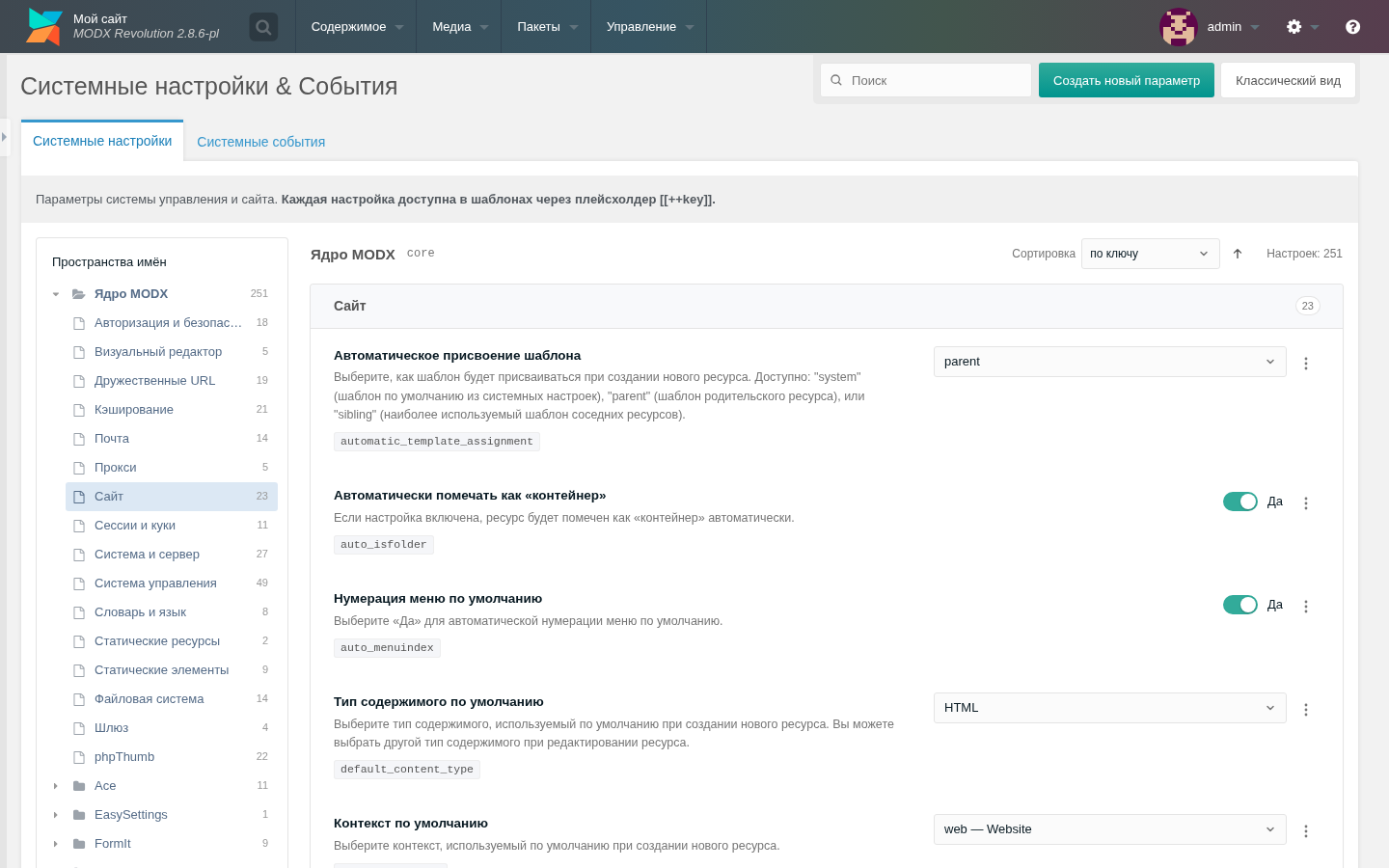
The page address, the menu item and the permissions stay the same. The page looks like the rest of the manager: tabs, buttons, windows and colours follow MODX 3 or MODX 2.
Installation
Via Package Manager:
After installing, open System Settings. Next: Interface.
Requirements
- MODX Revolution 2.8+ or 3.x.
- PHP 7.4 or later.
- The
settingspermission, as for the standard page. The System Events tab appears with theeventspermission.