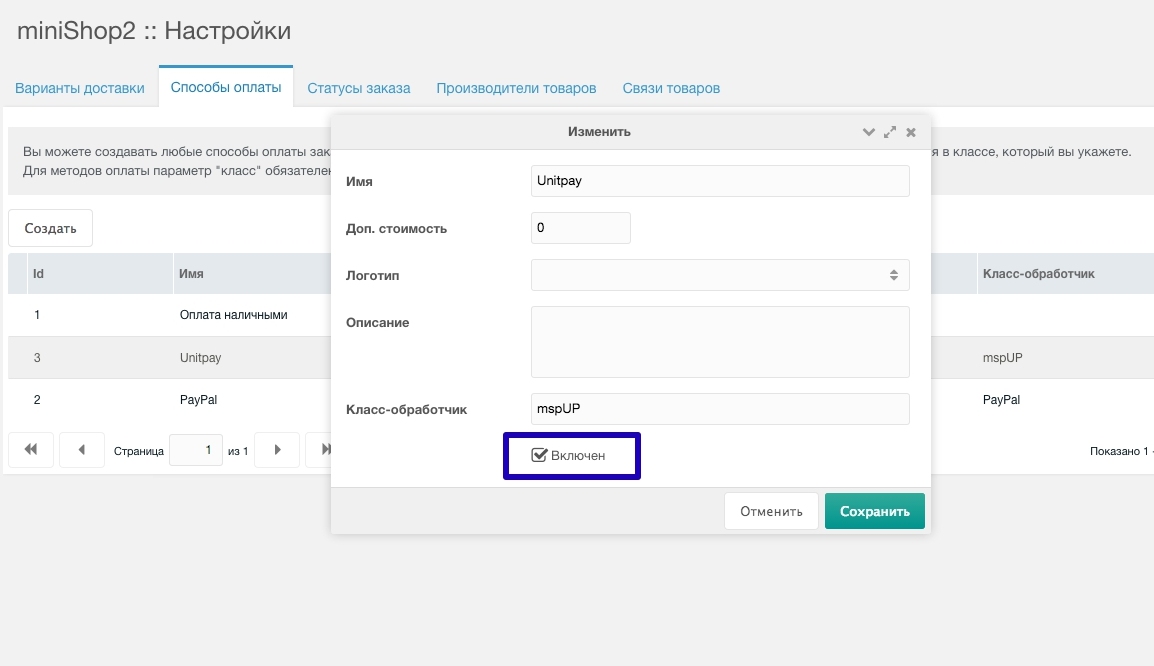
mspUP
To accept payments via UnitPay you need to register your store in the system first.
UnitPay registration
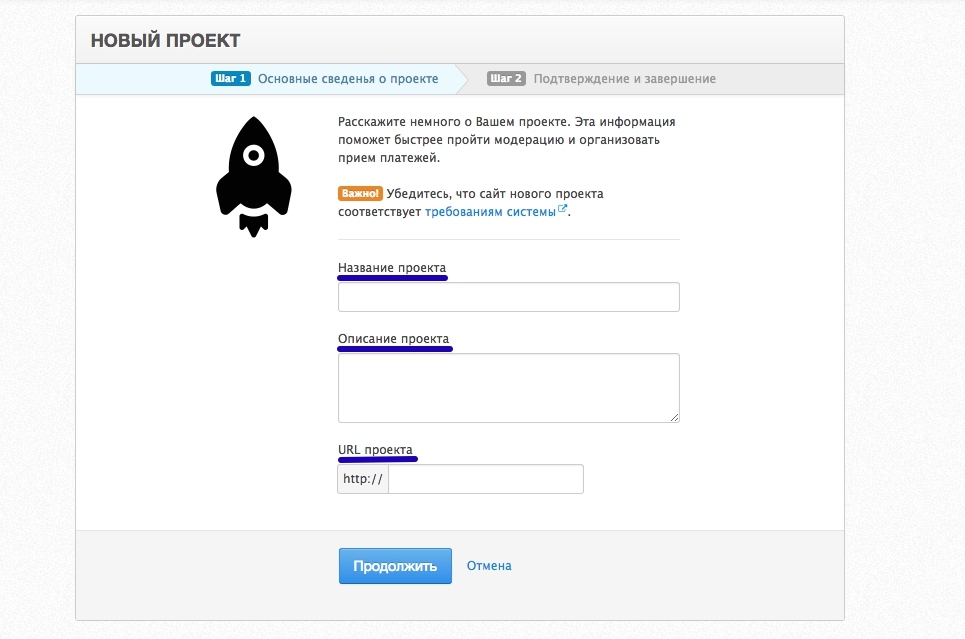
- Enter project name
- Enter project description
- Enter project URL
- Place the verification file on your server

UnitPay setup
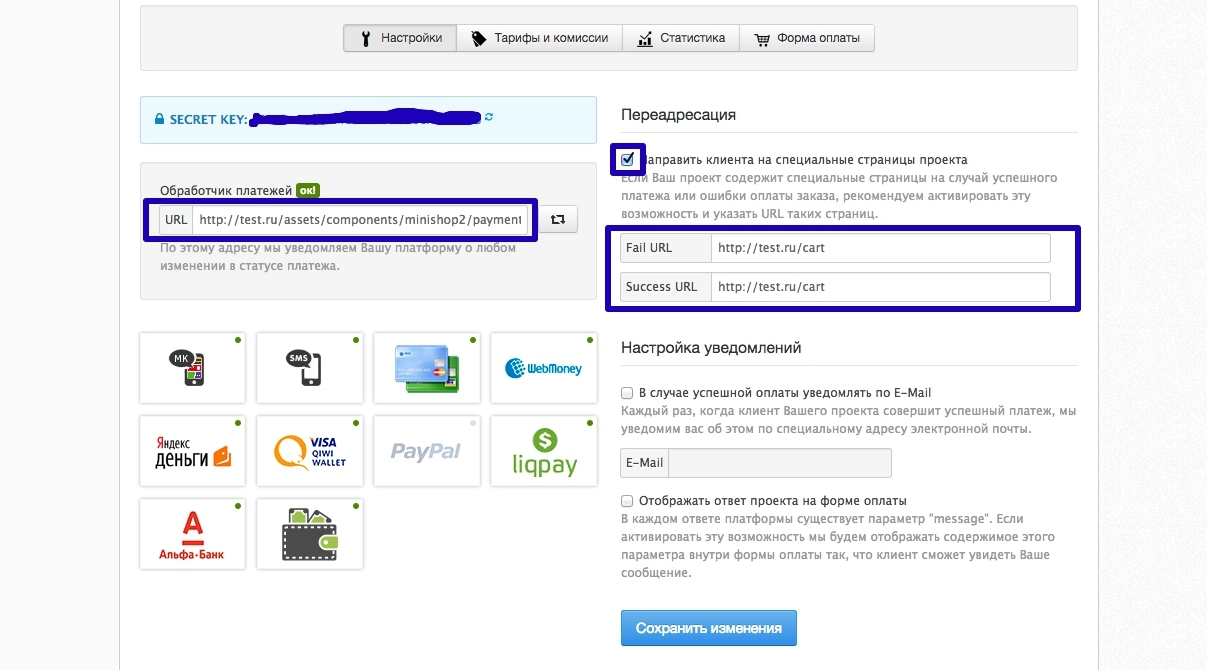
In store settings specify:
- Payment script URL — http://yourSite.ru/assets/components/minishop2/payment/mspup.php
- Fail URL — payment error page
- Success URL — payment success page
MODX setup
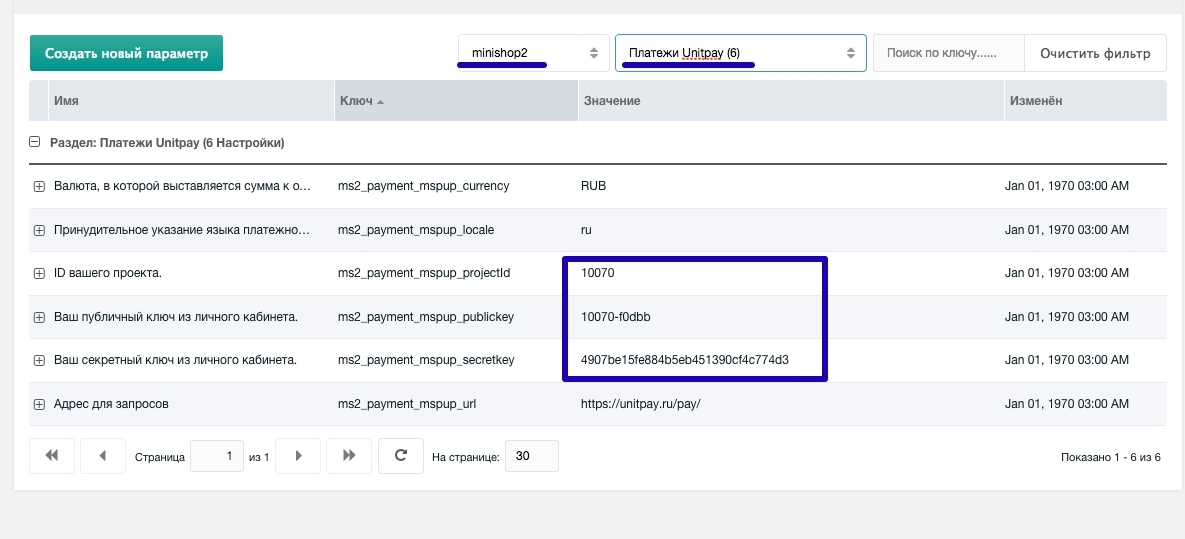
In MODX configure these parameters (in minishop2 namespace, UnitPay section):
- Project ID — store identifier, available in the dashboard
- Secret key — from store settings
- Public key — from store settings
Also enable the new payment method and assign it to delivery options.