

SeoData
SEO templates for titles, descriptions, and content in MODX 3 and MiniShop3
- MODX 3
- PHP 8.1
- Vue 3
- miniShop3

SeoData fills a page's SEO fields from Fenom templates. One rule sets the heading, meta title, description, and content for a MODX document, a MiniShop3 product, or a MiniShop3 category.
| Rule field | Where it goes |
|---|---|
| Page heading template | pagetitle, the H1 tag |
| Meta title template | longtitle, the <title> tag |
| Meta description template | description |
| Content template | content |
Example for a “Yachts” category:
{$pagetitle} купить в «{$site_name}»{if $page?} {$page}{/if}Купить {$pagetitle.acc|lc} в «{$site_name}» от {$price.min} ₽. В наличии {$count} наименований.On the storefront this produces a title like Яхты купить в «Название_компании» | Страница 2 and a description with the price and the number of products.
The plugin on OnLoadWebDocument writes the result into the resource. The SeoData snippet returns the same fields when the plugin is turned off.
The component continues mvtSeoData for MODX 3: shared rules by parent and MODX template, MiniShop3 fields and TVs, and a word-form dictionary. The manager is built on VueTools with the modx theme.
The menu item is Extras → SeoData.
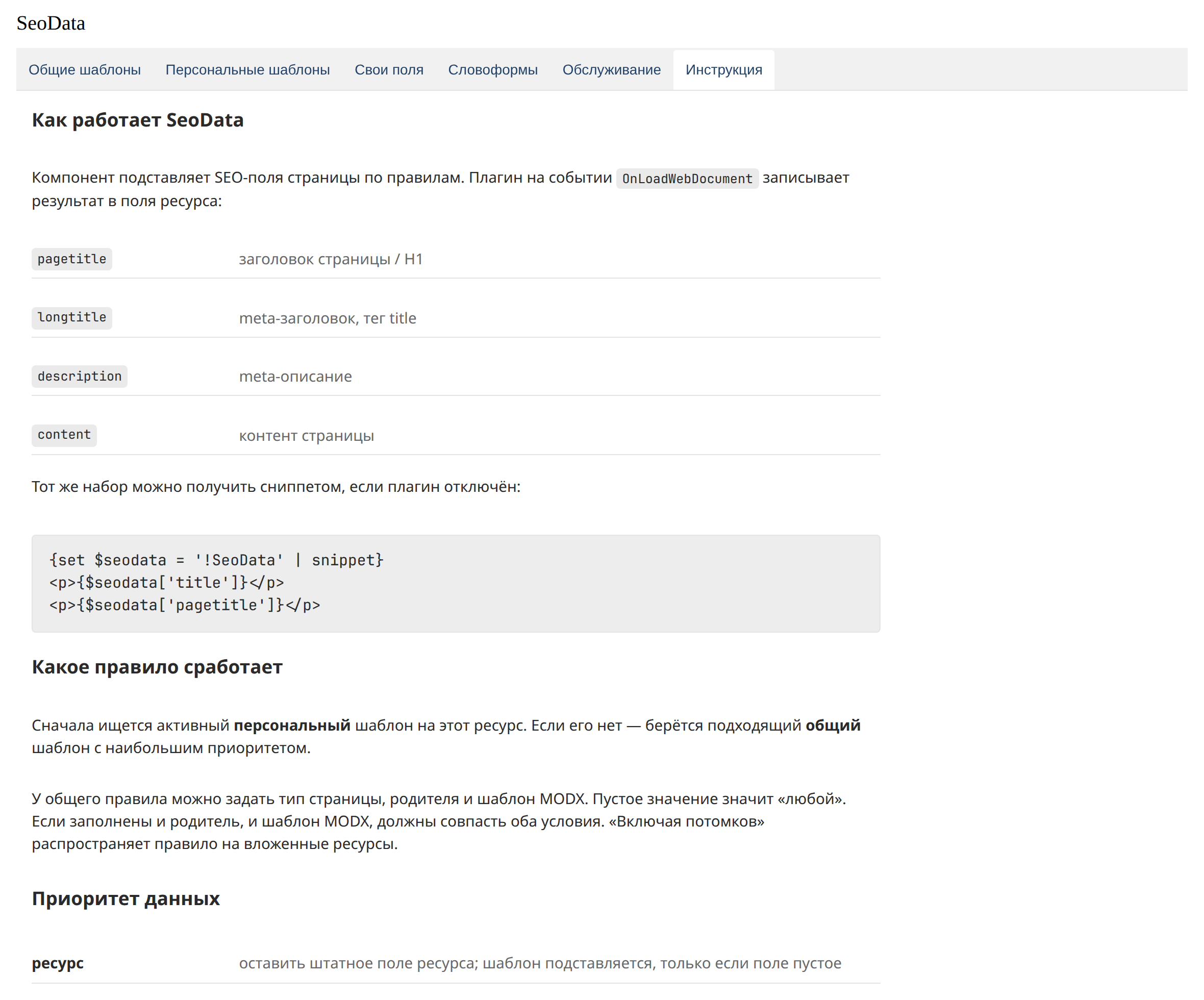
Six tabs: