

SeoData
SEO templates for titles, descriptions, and content in MODX 3 and MiniShop3
- MODX 3
- PHP 8.1
- Vue 3
- miniShop3

The Custom fields tab connects MiniShop3 columns, product options, and TVs to templates. In a template the field is available as {$name}.
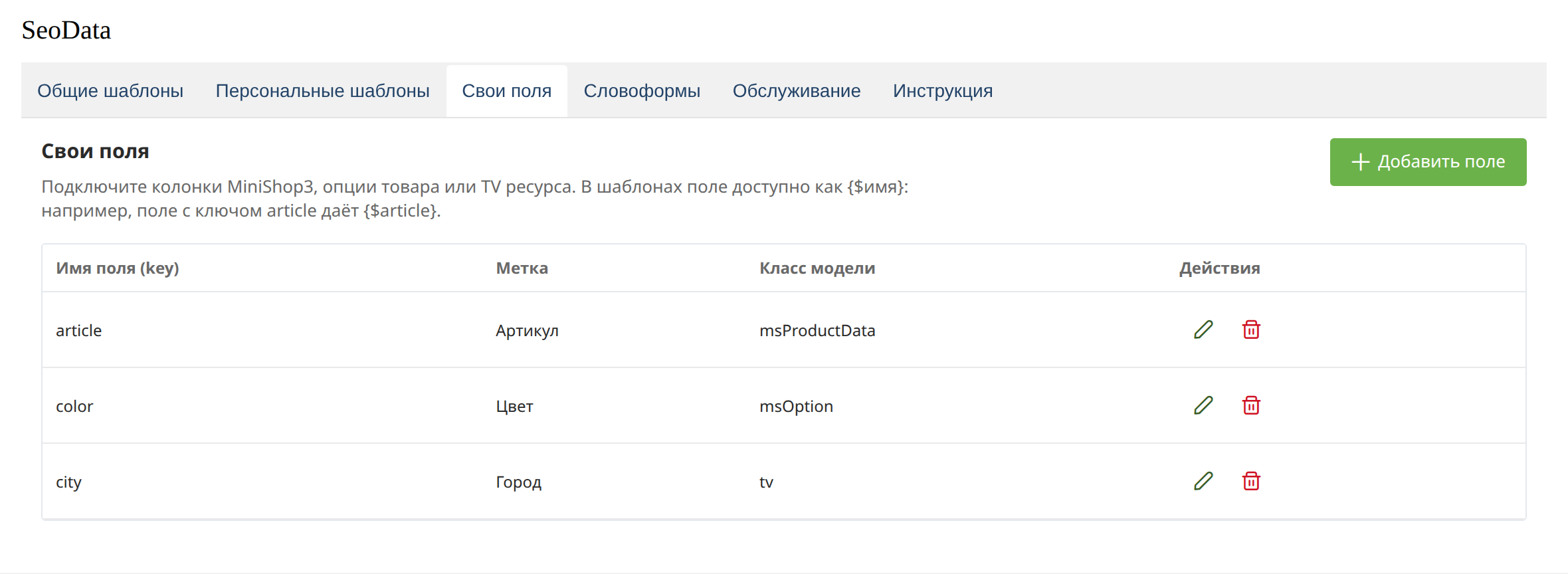
The field name is the placeholder key, not the TV caption. Latin letters, digits, and underscore: the key param_event gives {$param_event}, the key article gives {$article}.
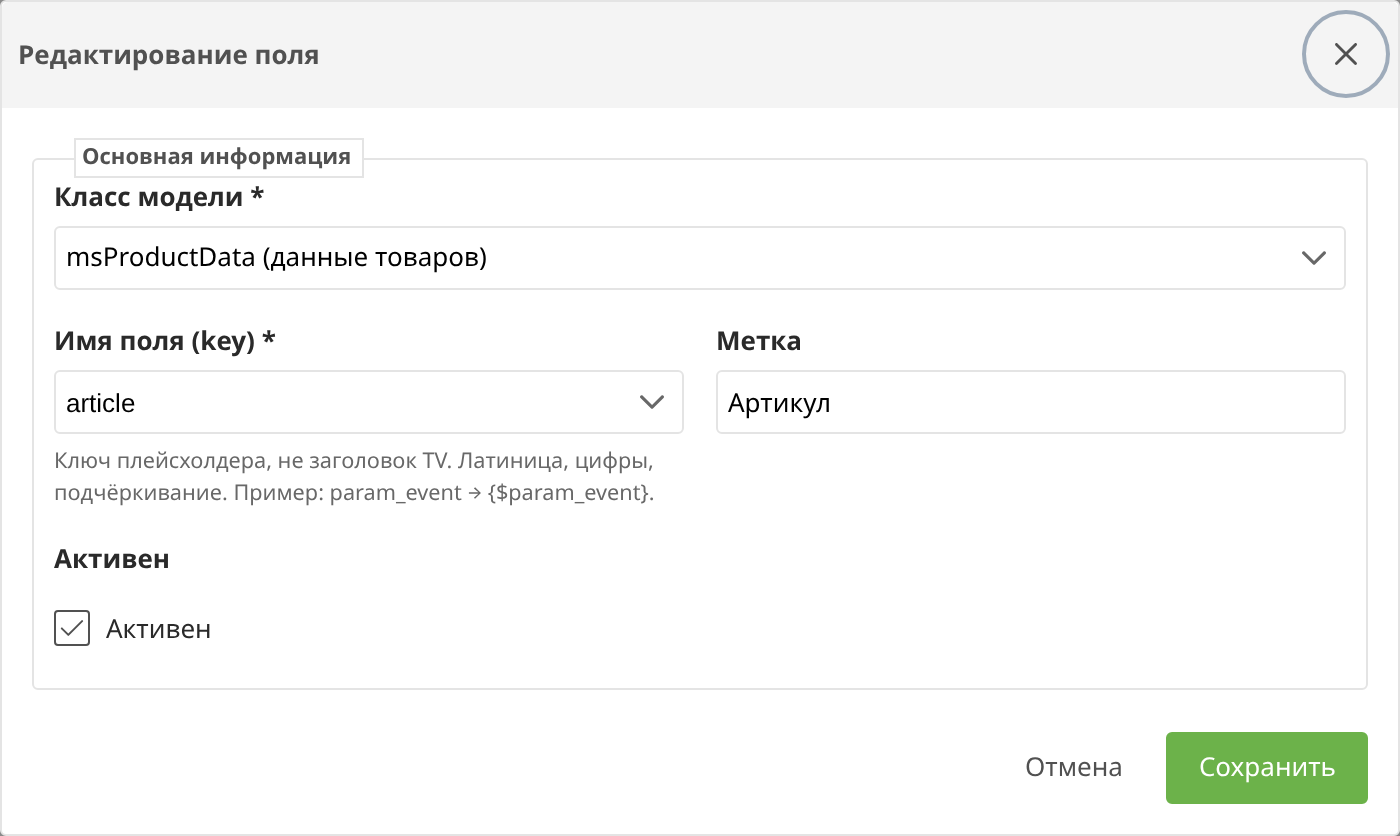
| Source | What is read |
|---|---|
| msProductData | Product data: price, article, image |
| msProduct | Product fields |
| msOption | Product options |
| msCategory | Category fields |
| msVendor | Vendor |
| TV | Resource template variable |
The key list in the form is loaded from the selected source. For a TV the list shows the key (param_event), not the field caption in the manager.
A TV value is read from the current resource. If debugging shows an empty value, check the key and that the TV is assigned to the MODX template.
The same source key cannot be added twice. The placeholder name is unique too.