Skip to content
  1. Extras
  2. BannerY
  3. Interface
  4. Banners

Banners

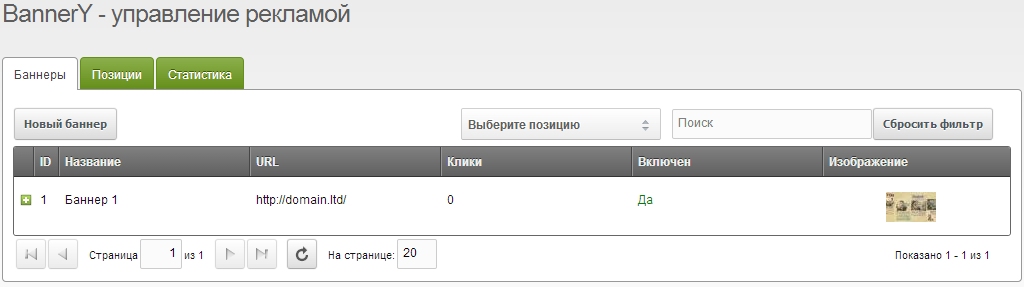
Banners are the actual ad units. They have an image, link, and description.
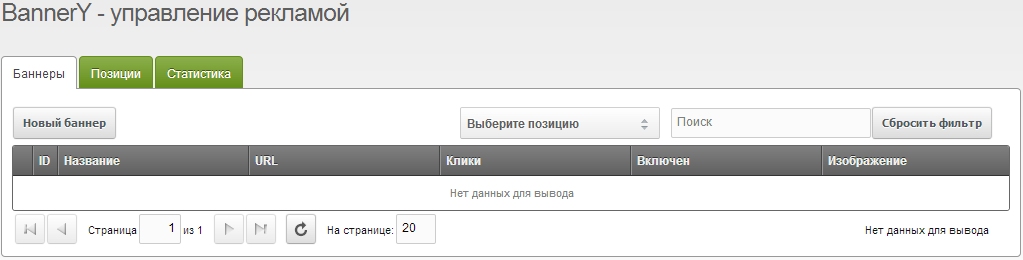
  • To create a banner: ComponentsBannerY
  • On the Banners tab click Create, then save after editing.

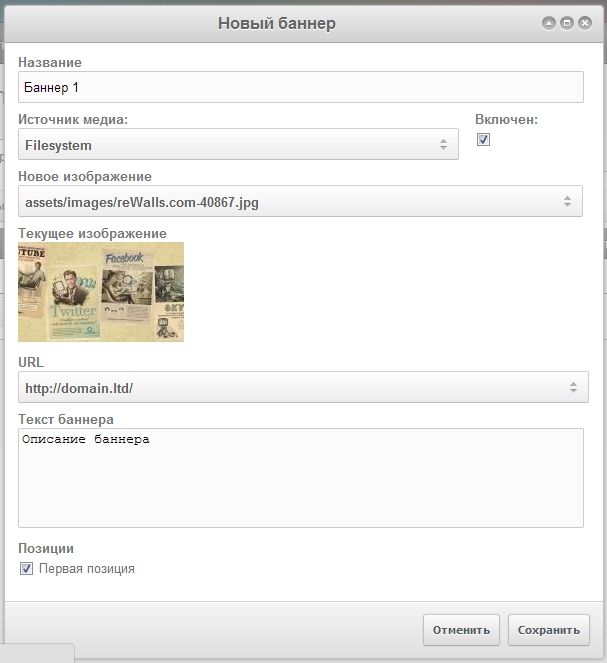
In the form fill in:

  • Name — Any name to identify the banner in the Manager.
  • Media source — Optional. Images can be on remote servers via media sources. Default is local files.
  • Enabled — Toggle banner on/off.
  • New image — Choose an uploaded image. Files from the selected source are shown.
  • URL — Banner destination. Use site pages or a full URL with http://.
  • Banner text — Optional text, e.g. for a caption.
  • Positions — Positions where this banner is shown. Create them first on the Positions tab.