



TV parameters
Bulk set, replace, and clear Template Variables (TVs) on products.
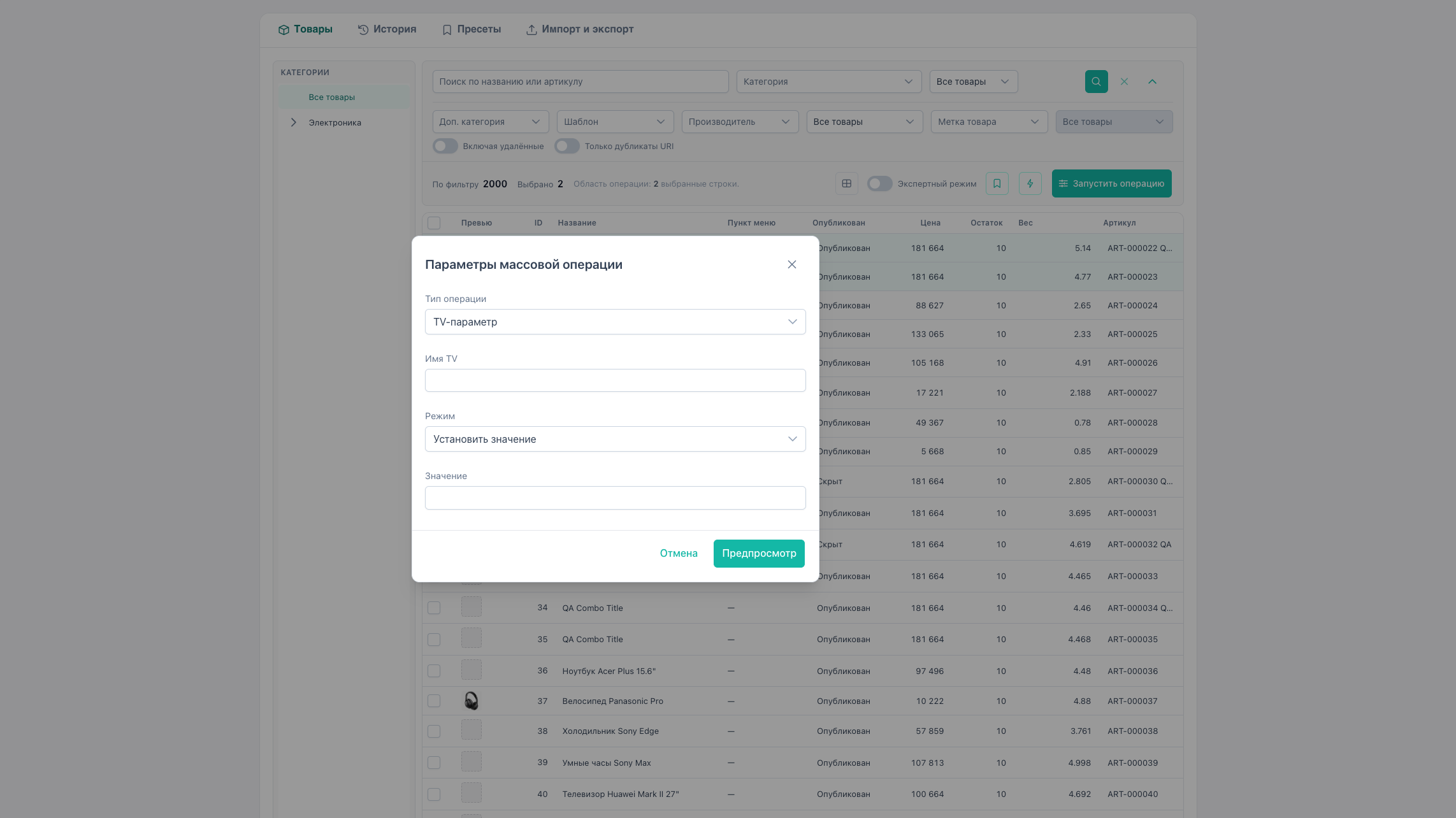
How to open
- Select products or enable expert mode.
- Run operation → type TV parameter.
Modes
| Mode | mode | Description |
|---|---|---|
| Set | set | New TV value |
| Append to value | add | Concatenate to current |
| Replace text | replace | Find/replace in TV string |
| Remove | remove | Clear value |
Parameters:
- TV name:
name(not caption) - for replace:
search,replace, optionaluseRegex,caseInsensitive - for set/add:
value
Value input in bulk
The operation dialog provides typed widgets by TV type from the field catalog:
| TV type | Bulk UI |
|---|---|
| text, textarea, email, url | Text field |
| list | Select from elements |
| image | Path + media browser button |
| file, checkbox, date, etc. | Text value or basic input |
Inline in grid
| TV type | Inline |
|---|---|
| text, textarea, textfield, email, url | Click → text input, tv mode set |
| image | Double-click → MODX media browser |
| list, checkbox, file | Bulk operation only |
See inline editing.
Template binding
Before preview/apply for TVs, template binding is checked. Gaps open the binding wizard.
With mixed templates, checkbox “primary template only” is available.
Example: replace text in TV subtitle
- Expert mode, filter by category.
- TV → Replace text.
- Name:
subtitle, find:2024, replace with:2025. - Preview → apply.
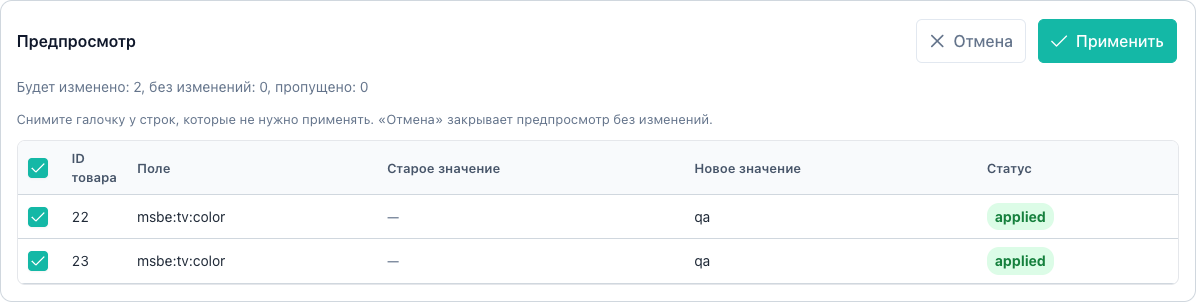
TV export
Columns tv:name or msbe:tv:name are supported in export. See import and export.