


msBundles
Product bundles for miniShop3 with shared pricing, discounts, and cart sync
- MODX 3
- PHP 8.2
- miniShop3
- Vue 3

Five short walkthroughs for the manager and storefront. If the package is not installed yet, start with Quick start.
| Flow | Scenario |
|---|---|
| A | Create a bundle and show it on a product |
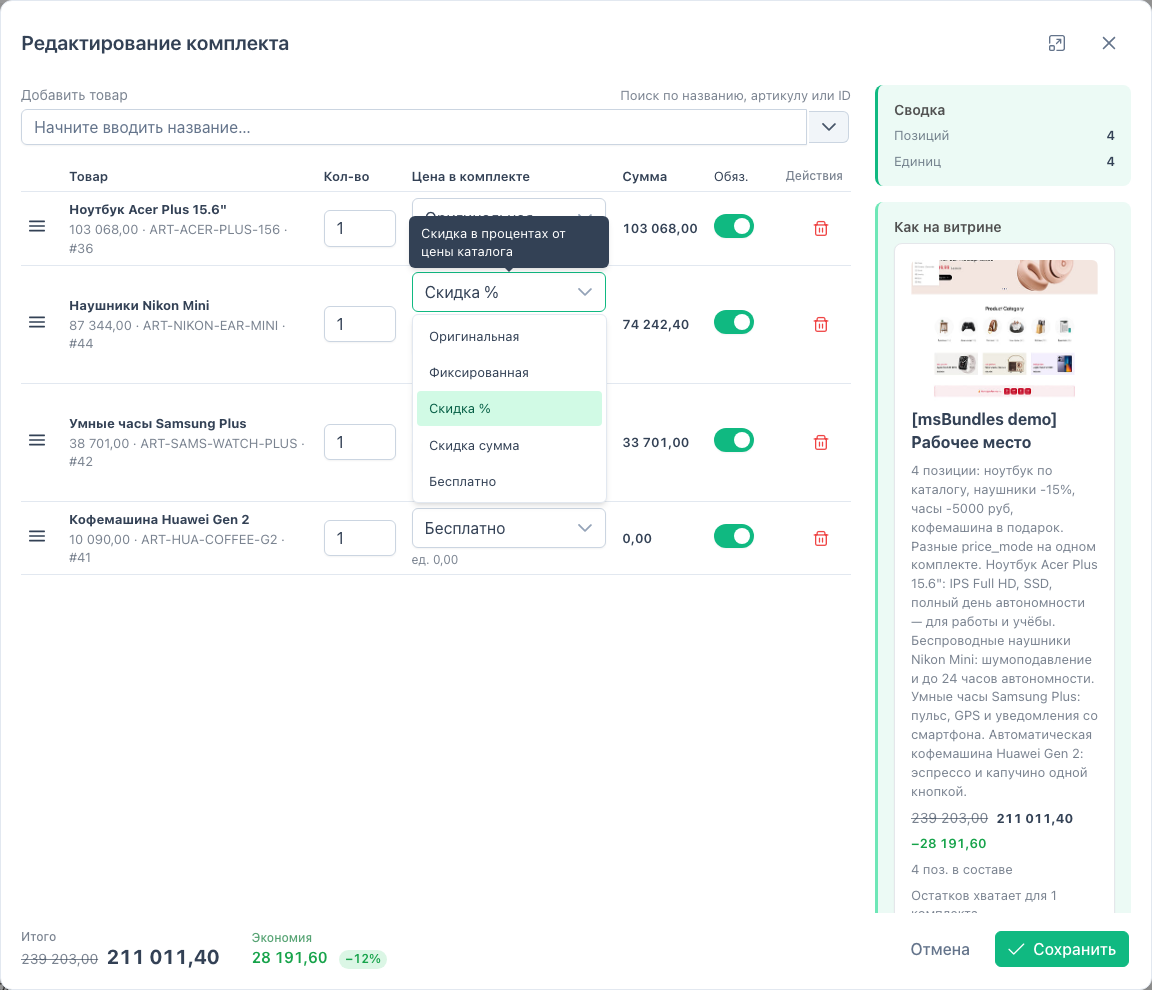
| B | Configure price modes and an optional line |
| C | Duplicate a bundle |
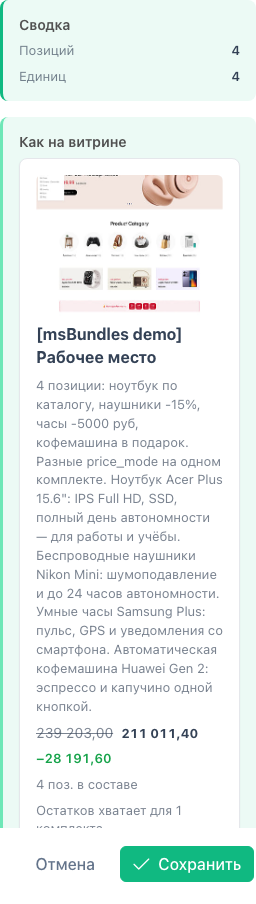
| D | Check stock and preview |
| E | Add to cart and remove the bundle |
manager/?a=index&namespace=msbundles).{'!msBundles' | snippet : [
'product' => $_modx->resource.id,
'tpl' => 'tplMsBundlesItem',
'wrapperTpl' => 'tplMsBundlesList'
]}[[!msBundles?
&product=`[[*id]]`
&tpl=`tplMsBundlesItem`
&wrapperTpl=`tplMsBundlesList`
]]msBundles.initialize and call msCart with selector. See Frontend.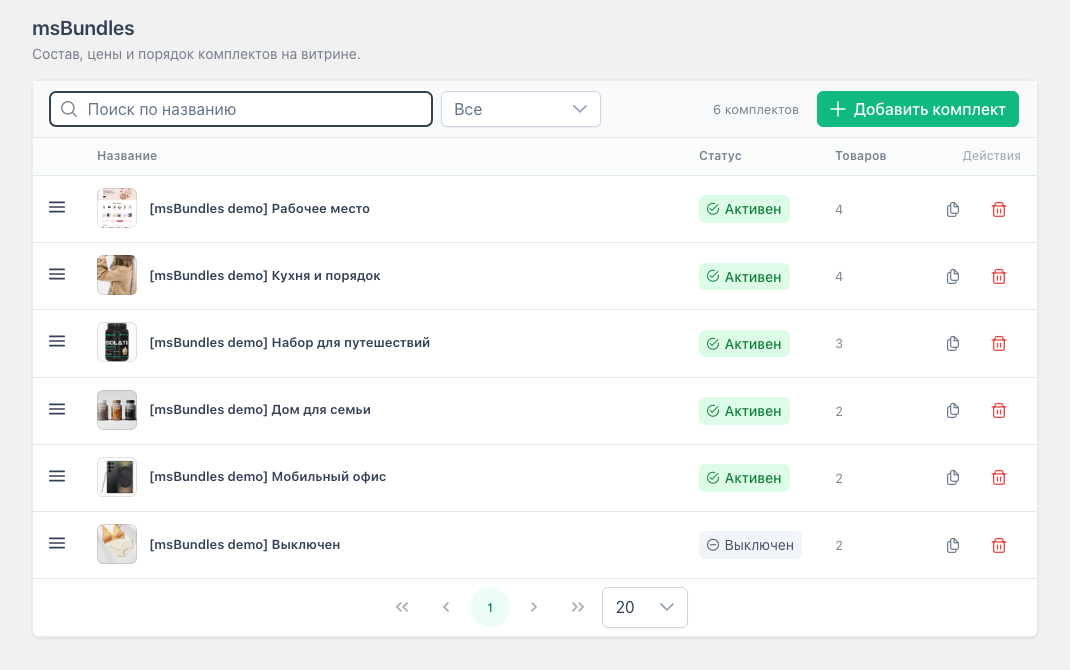
The bundle appears on pages for every product in the set.
| Mode | Value | Result |
|---|---|---|
| Original | — | miniShop3 price |
| Fixed | amount | Unit price |
| Discount % | 0–100 | Percent off product price |
| Discount amount | amount | Subtracted from price |
| Free | — | 0 |
warnings. The rest of the bundle still adds.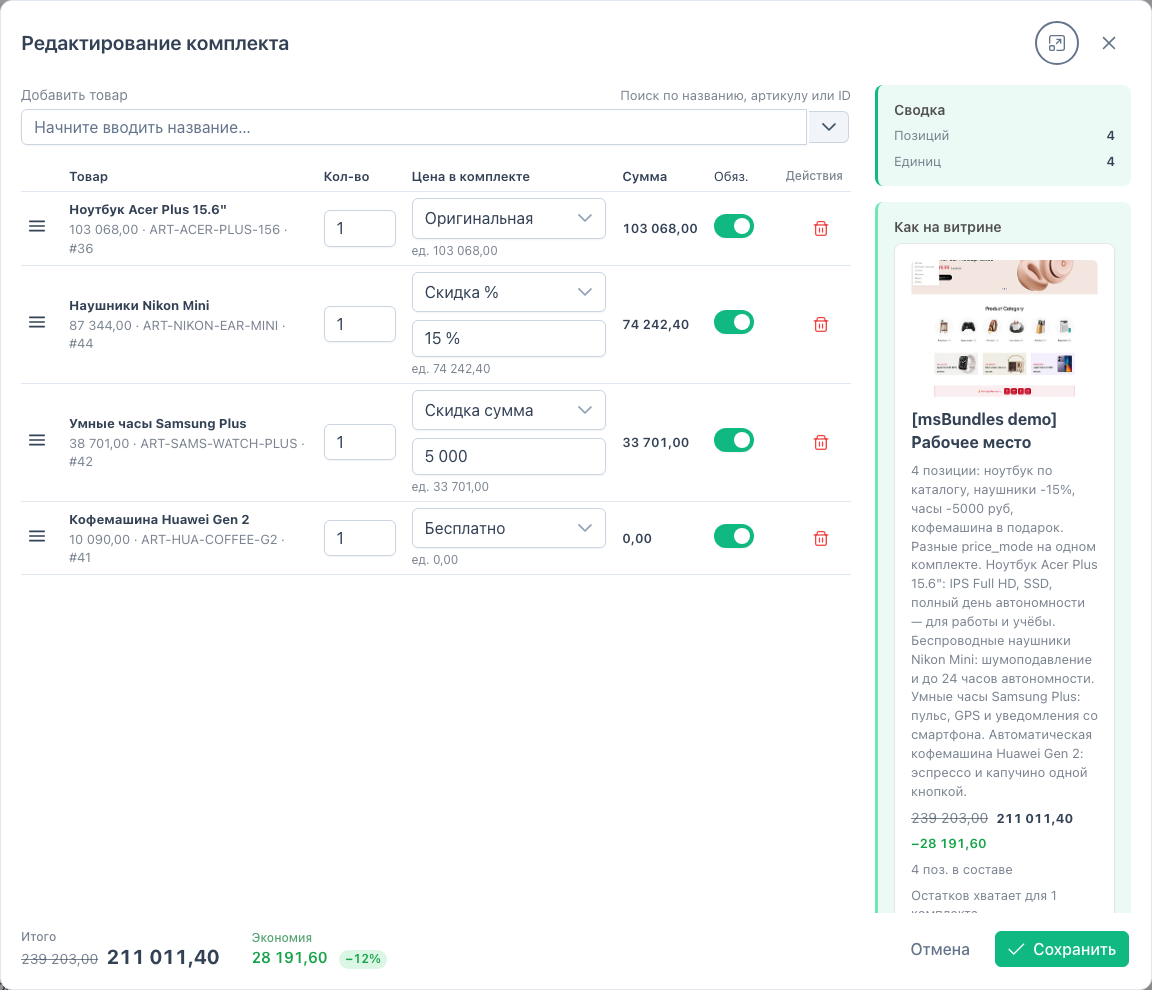
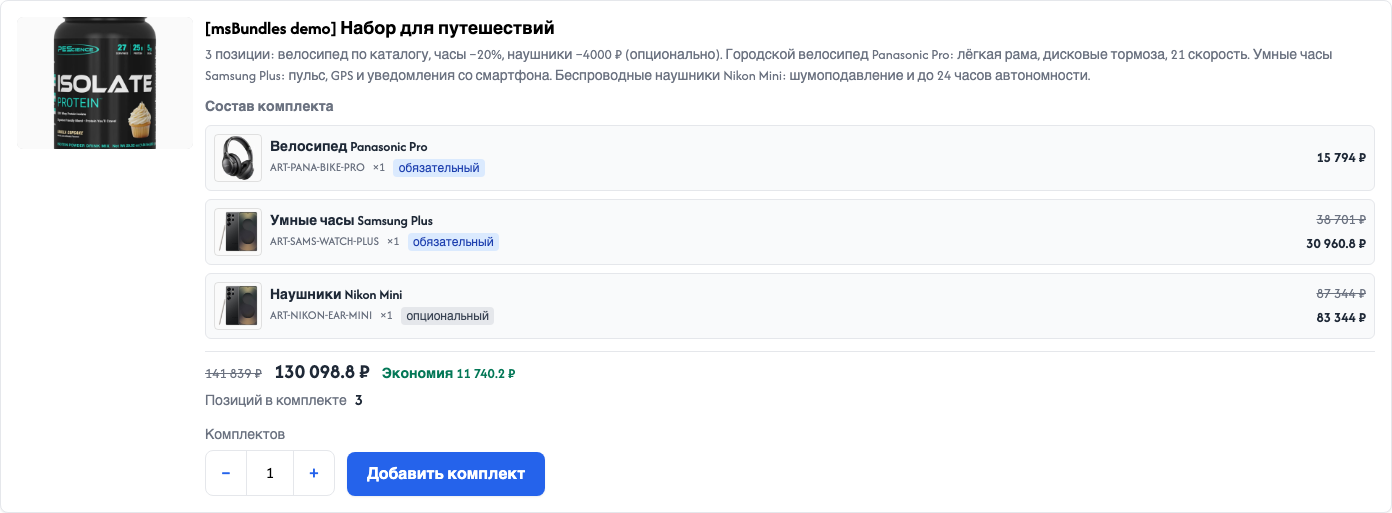
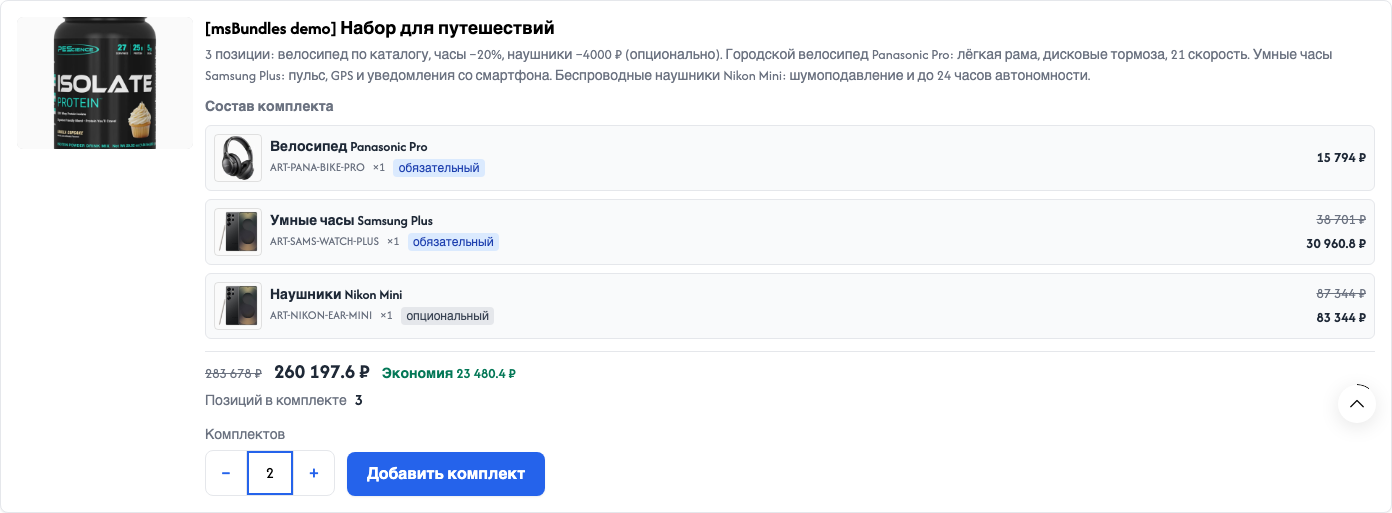
On the storefront, qty changes the total (Travel set example):
Needs msbundles_save.
msbundles_stock_behavior.Setting: System settings (block / message / hide).
msCart has selector and the cart template calls tplMsBundlesCartInfo. Otherwise you get a toast and a stale on-page block.[data-msbundles="cart-info"]) draws the badge and remove buttonconfirm() by default, like a normal miniShop3 product. Enable the dialog with confirmRemoveBundle: true.Full chunk and CSS notes: Frontend.