


EasyCookies
A cookie banner for MODX 2 and 3 — a simple notice or law-compliant consent, with counters and a consent log

Open Extras → EasyCookies and click "New profile". The first question is what kind of banner you need:
The choice is not final: in the editor you switch with "Make it simple" and "Make it compliant". The difference in detail is in Profiles.
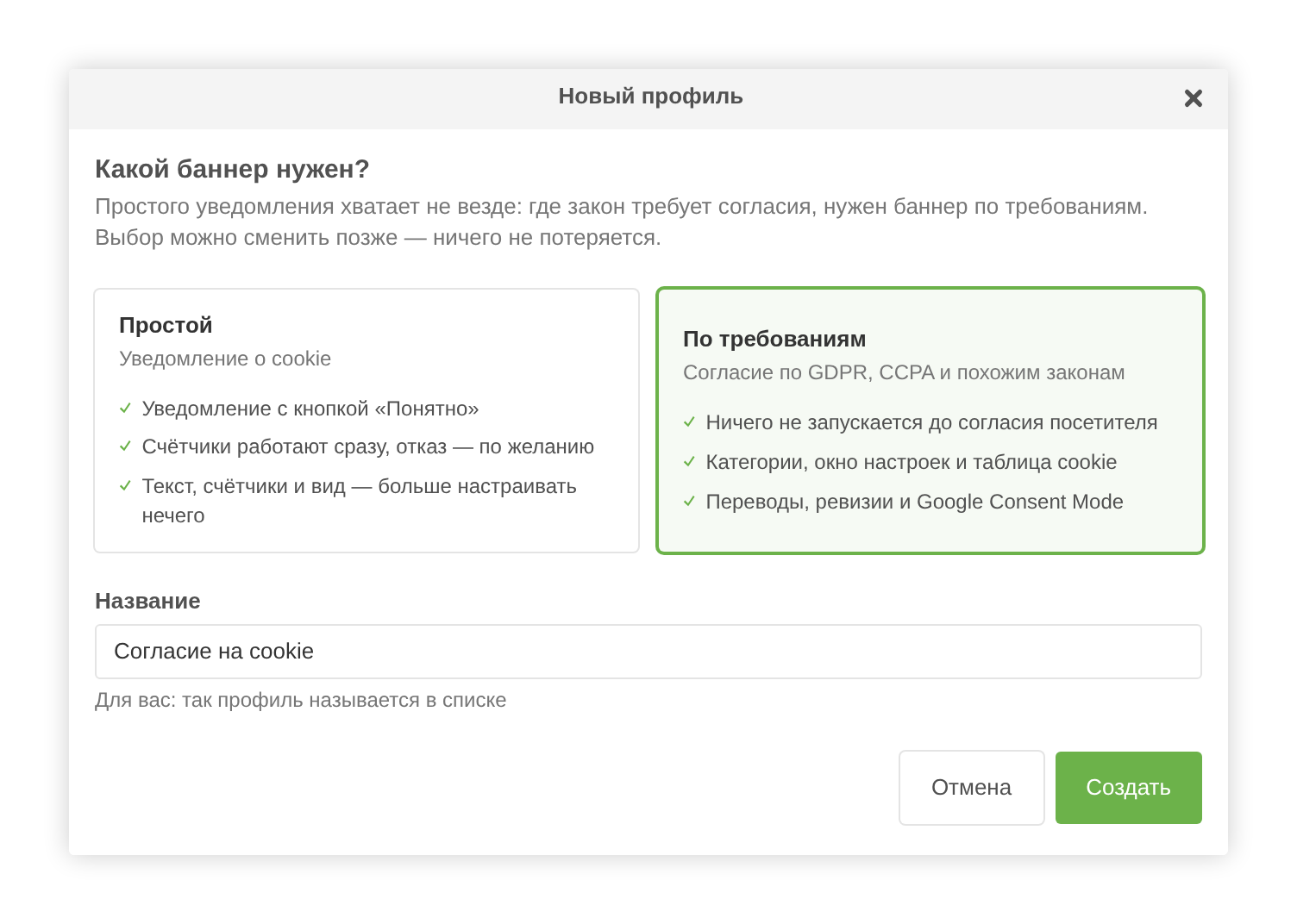
Enter a name and click "Create". The editor opens with ready texts in the site's language.
Adjust the banner text and set the privacy policy address — a link or a resource id. Without an address, lines linking to the policy are not shown.
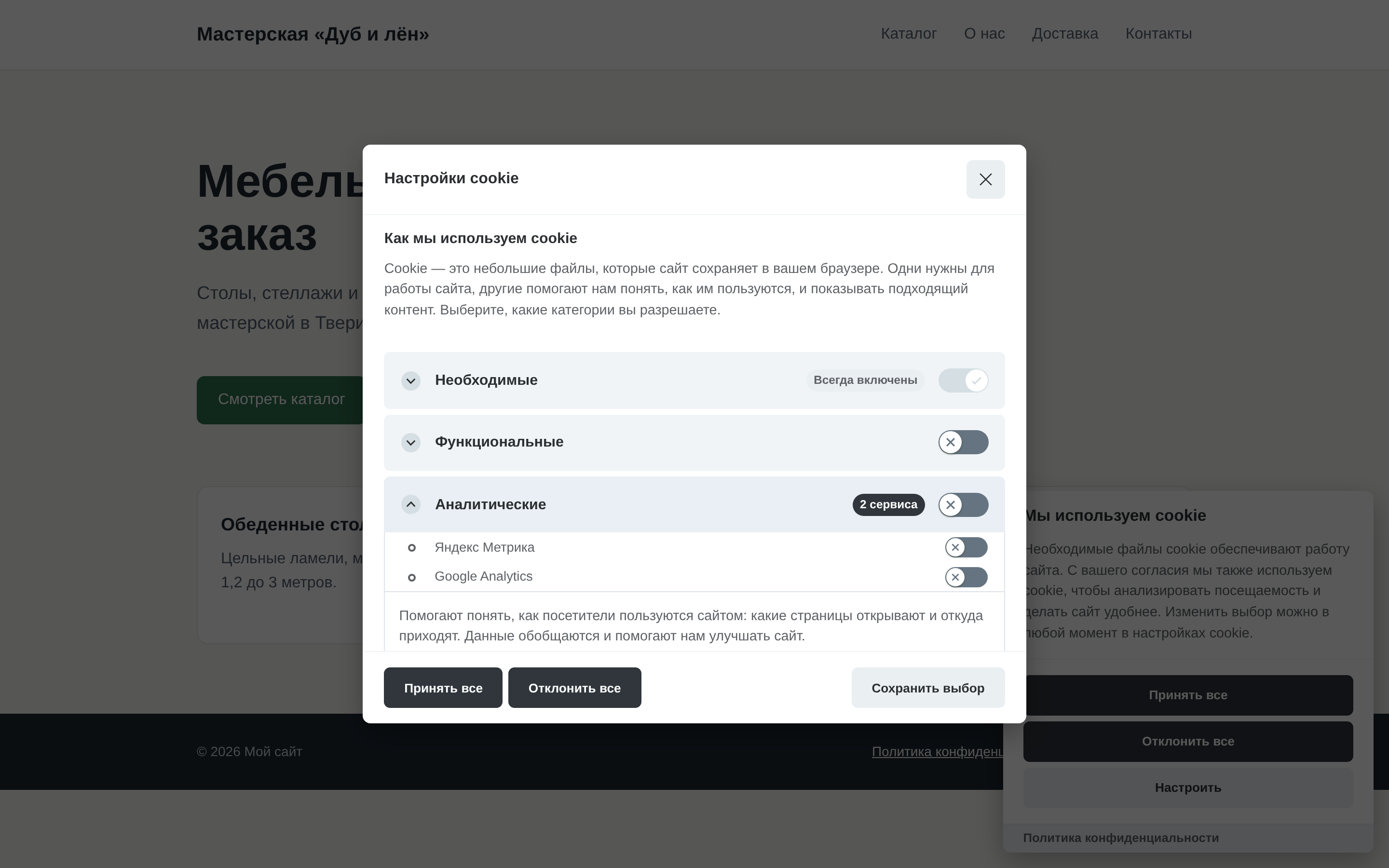
For a compliant banner, texts of the preferences window, categories and the cookie table open with the "Edit texts" button in the "Languages and texts" card.
In the "Counters and services" card, add the site's counters and enter their IDs. If the counters are already in the template, click "Find on the site": EasyCookies finds them in templates and chunks and moves them into the profile; with "Remove their code from templates and chunks" ticked, it also removes their code from the templates.
Внимание
Code of counters that the banner switches on must not stay in the template — otherwise they run twice and without consent.
More: Counters and services.
Tick "Show on the site" in the "Profile" card and click "Save" (or press Ctrl+S). The plugin puts the banner on every page of the site; nothing needs to be added to templates.
Visitors must be able to change their mind. Put a link that opens the preferences window into the site footer:
<a href="#" data-cc="show-preferencesModal">Cookie settings</a>The same link with a "Copy" button is in the "On the site" card of the editor.
Open the site in a private window: the banner shows on the first visit. The visitor's choice is kept in the cc_cookie cookie, half a year by default.
Next: Output on the site, Consent log.