


ms3OptionsColor
Swatches for miniShop3 options: HEX, patterns, images, and RAL Classic
- MODX 3
- PHP 8.2
- miniShop3
- Vue 3

Open Components → ms3OptionsColor from the menu or at manager/?a=index&namespace=ms3optionscolor. The UI uses Vue 3 and PrimeVue (VueTools).
Step-by-step flows: Flows.
The dictionary list and Swatches tab save through the miniShop3 connector (assets/components/minishop3/connector.php, action=MiniShop3\Processors\Api\Index). A direct /api/mgr/… URL returns 404 on some hosts. You need miniShop3 and msproduct_save.
Routes under /api/mgr/ms3optionscolor:
| Method | Path | Purpose |
|---|---|---|
| GET | /product/{id} | Product swatches |
| GET | /map | Key+value → HEX/pattern map |
| GET | /colors | Dictionary list |
| PUT | /colors | Create/update color |
| DELETE | /colors/{id} | Delete color |
| GET | /ral | RAL search |
| PUT | /ral | Create/update RAL |
| DELETE | /ral/{id} | Delete RAL |
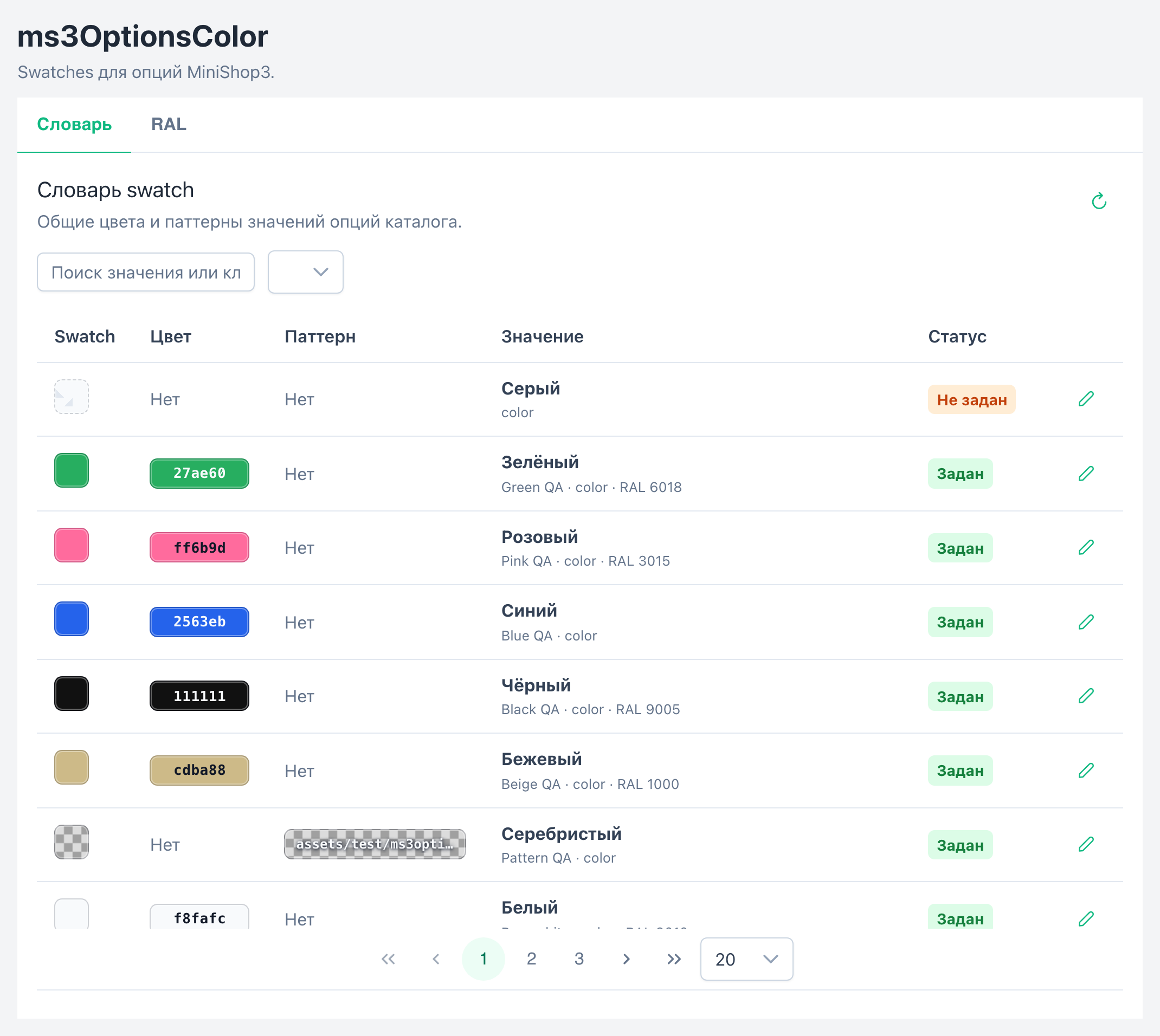
Top to bottom:
ms3optionscolor_ral_enabled is enabled.| Action | How |
|---|---|
| Search | Placeholder from the lexicon: Search by value or key. Case-insensitive, including Cyrillic |
| Status filter | API: all / unset / active / inactive. Lexicon label: Inactive. Not disabled |
| Edit / assign | Pencil icon in the row |
| Delete | Delete button in the dialog with confirm |
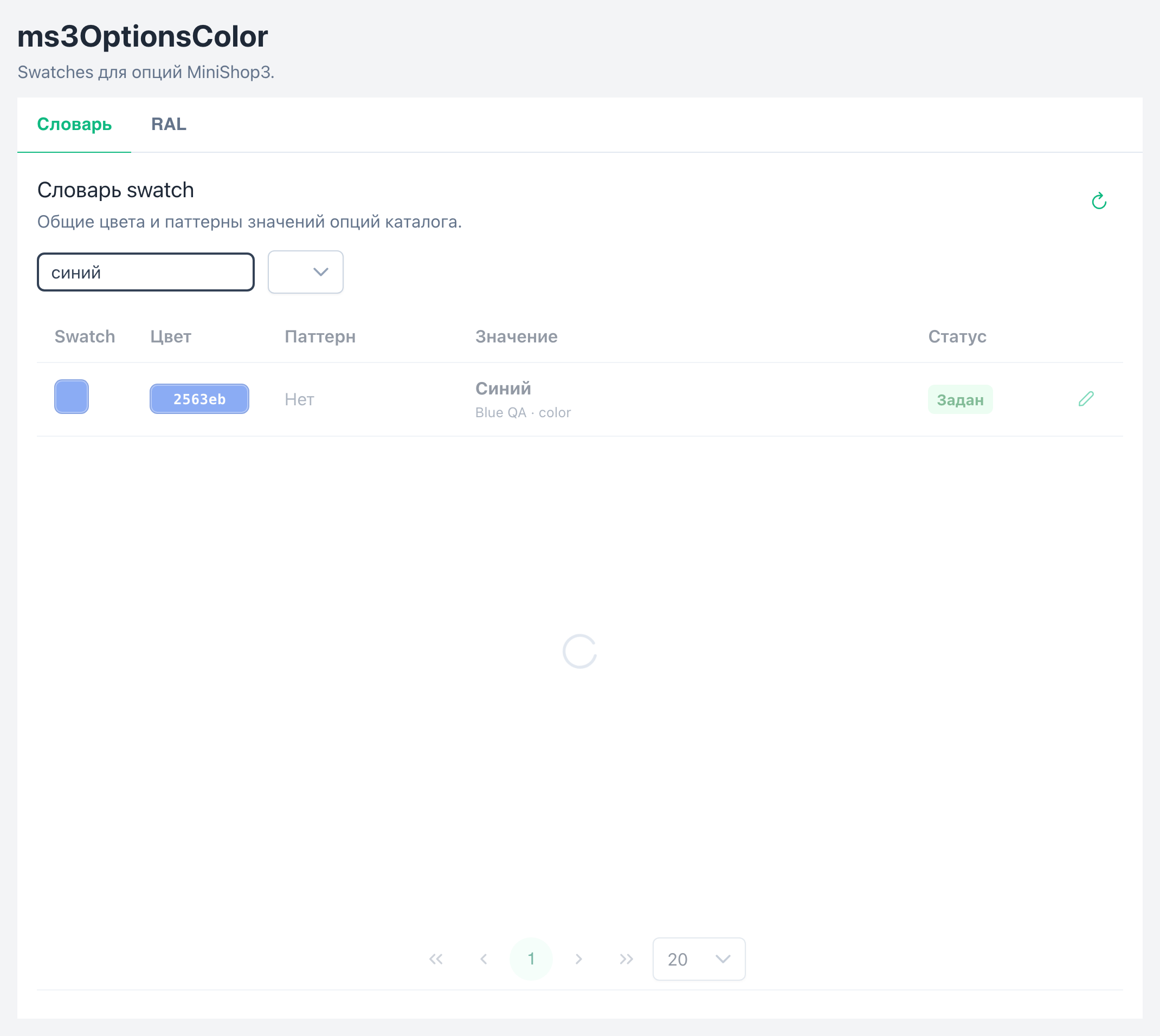
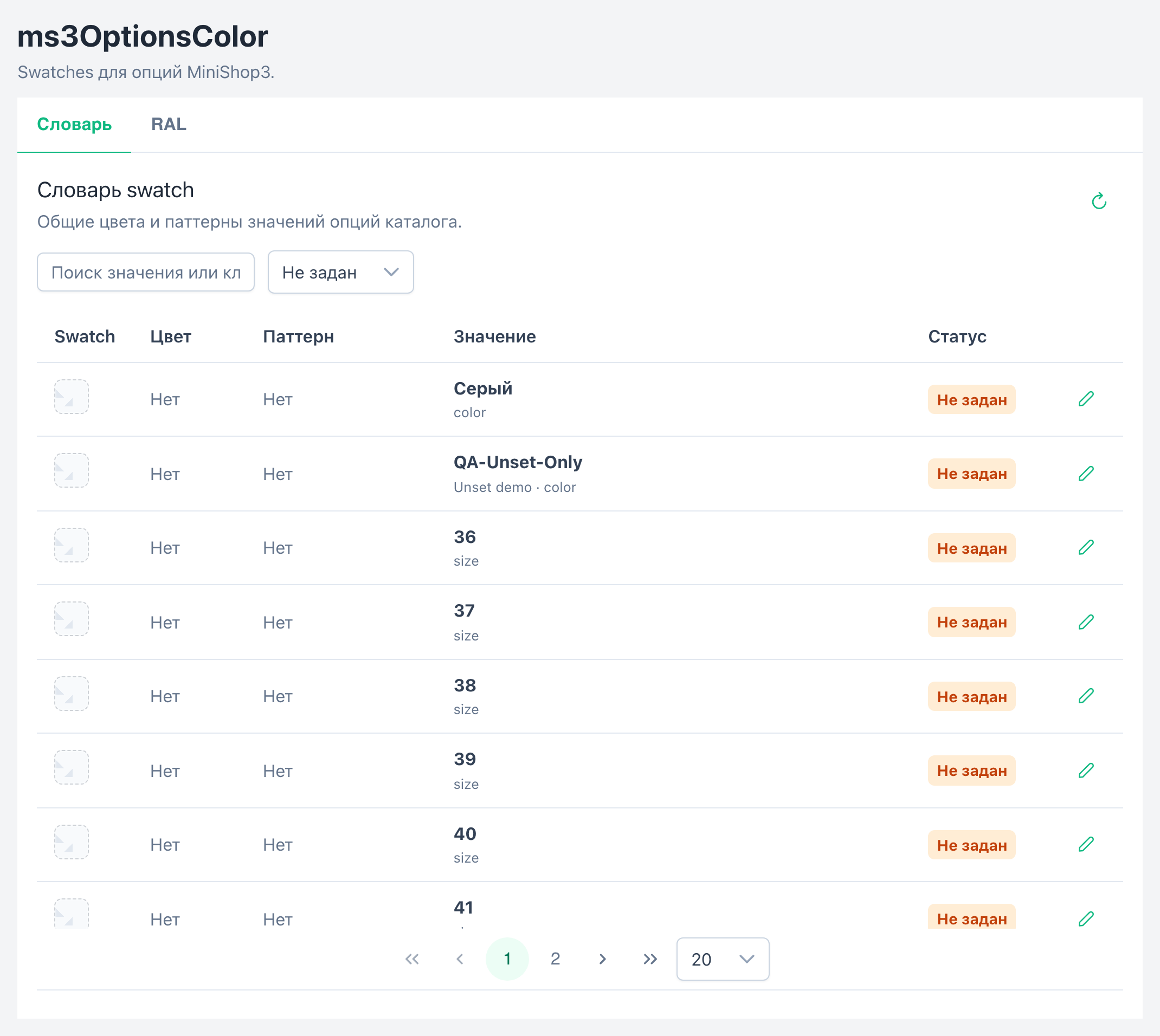
The dictionary is shared: one option_key + value pair for the whole catalog.
RAL tab: search by code and name, Add, edit row.
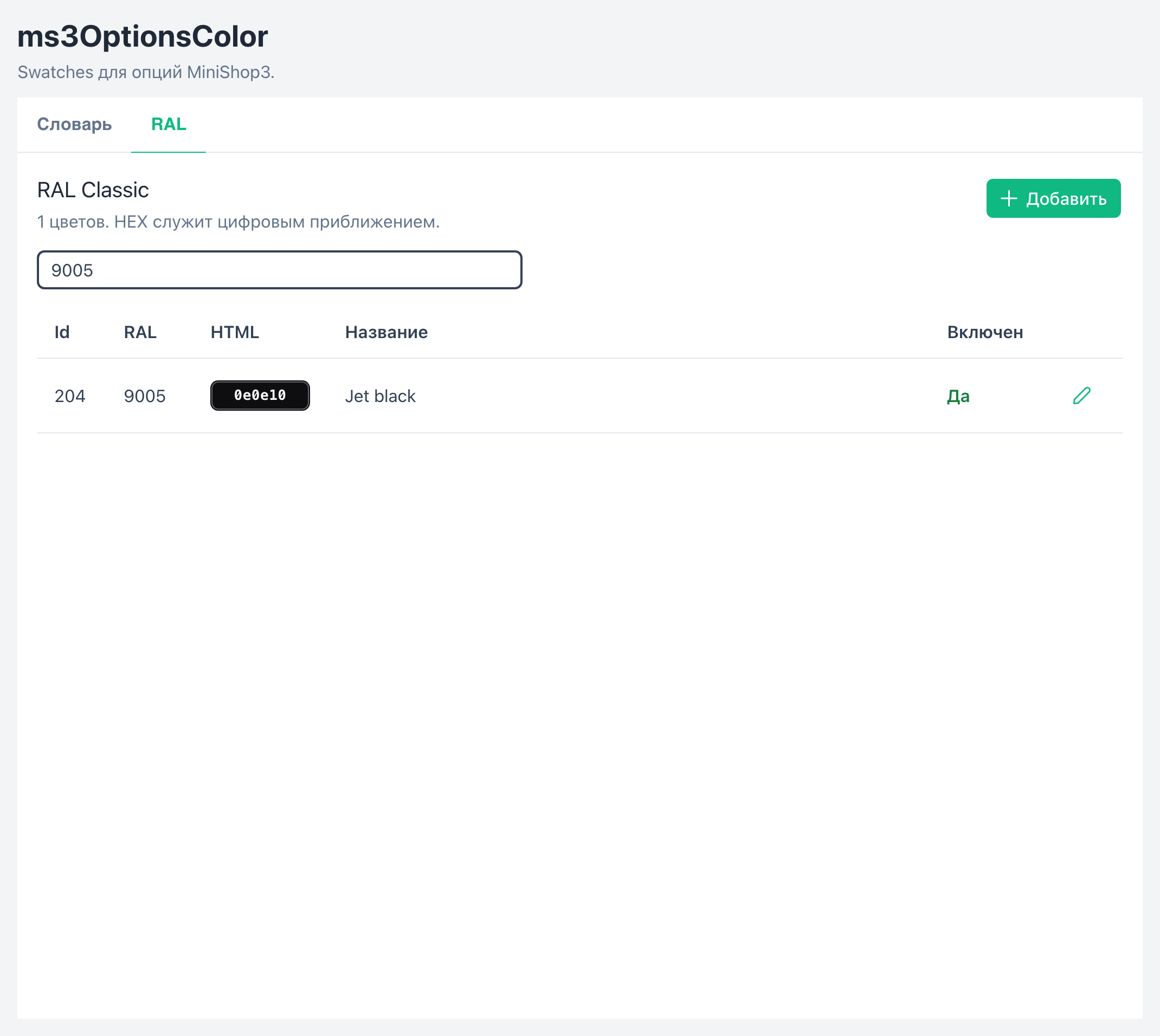
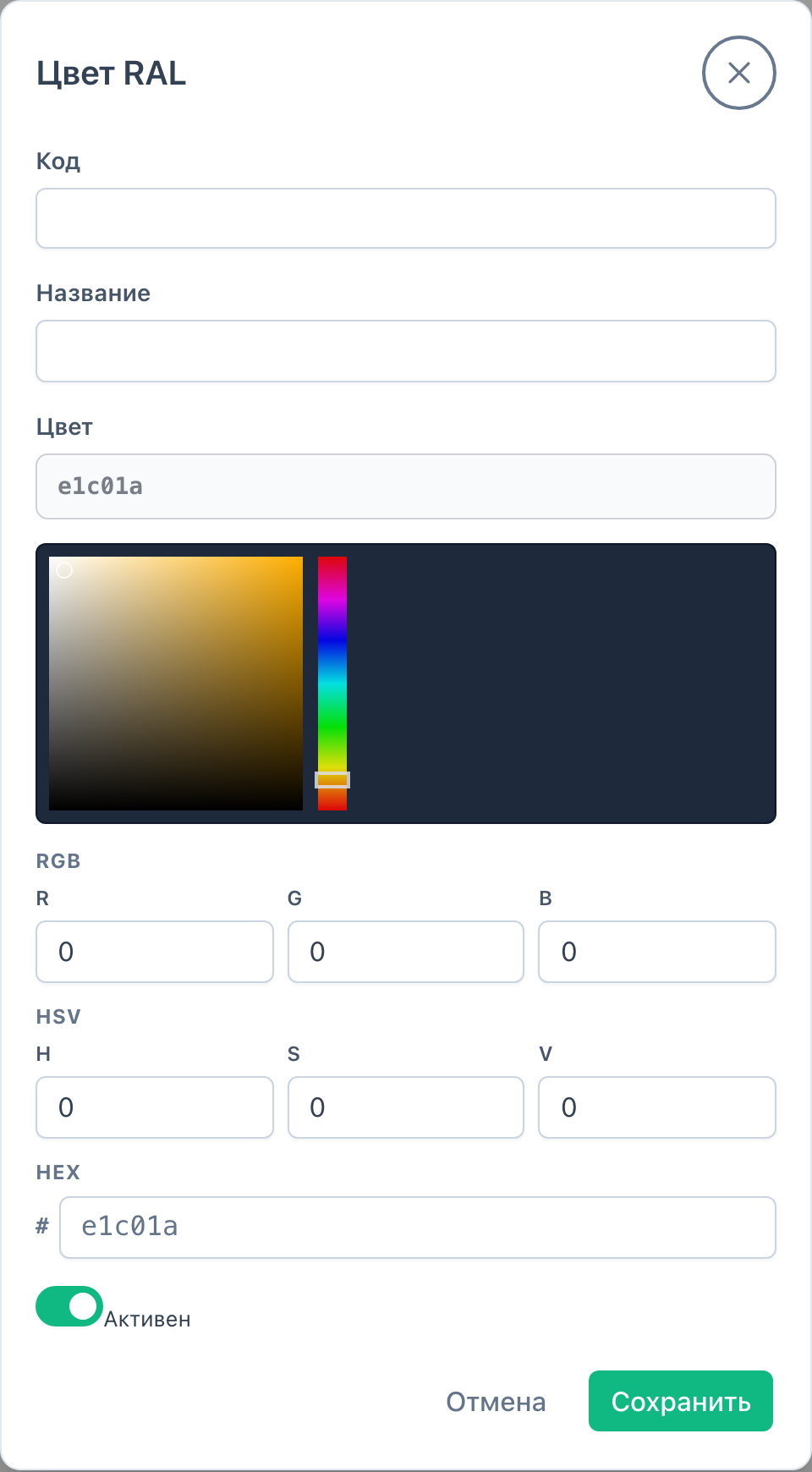
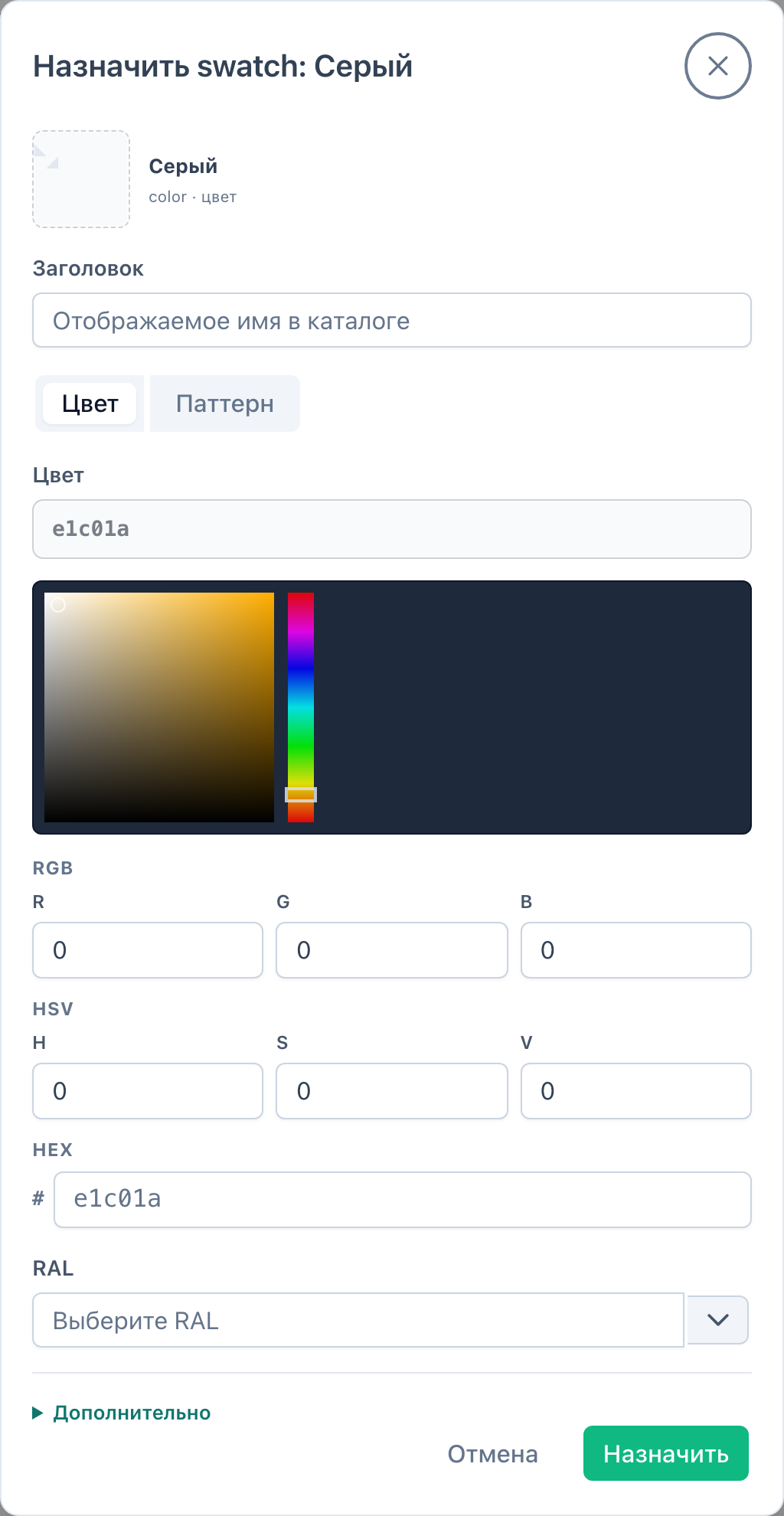
In the dialog you set HEX (bar + RGB/HSV), pattern URL, RAL, title, activity. Modes: Color / Pattern.
Choosing RAL fills its HEX. If you change HEX manually or save Pattern mode, the form clears the previous RAL link. Code and color stay in sync.
On save the package normalizes the pattern URL and the Image field:
| You save | Stored as |
|---|---|
/assets/… | site-root path |
| full URL of this site | relative path |
| external HTTPS/CDN URL | as-is |
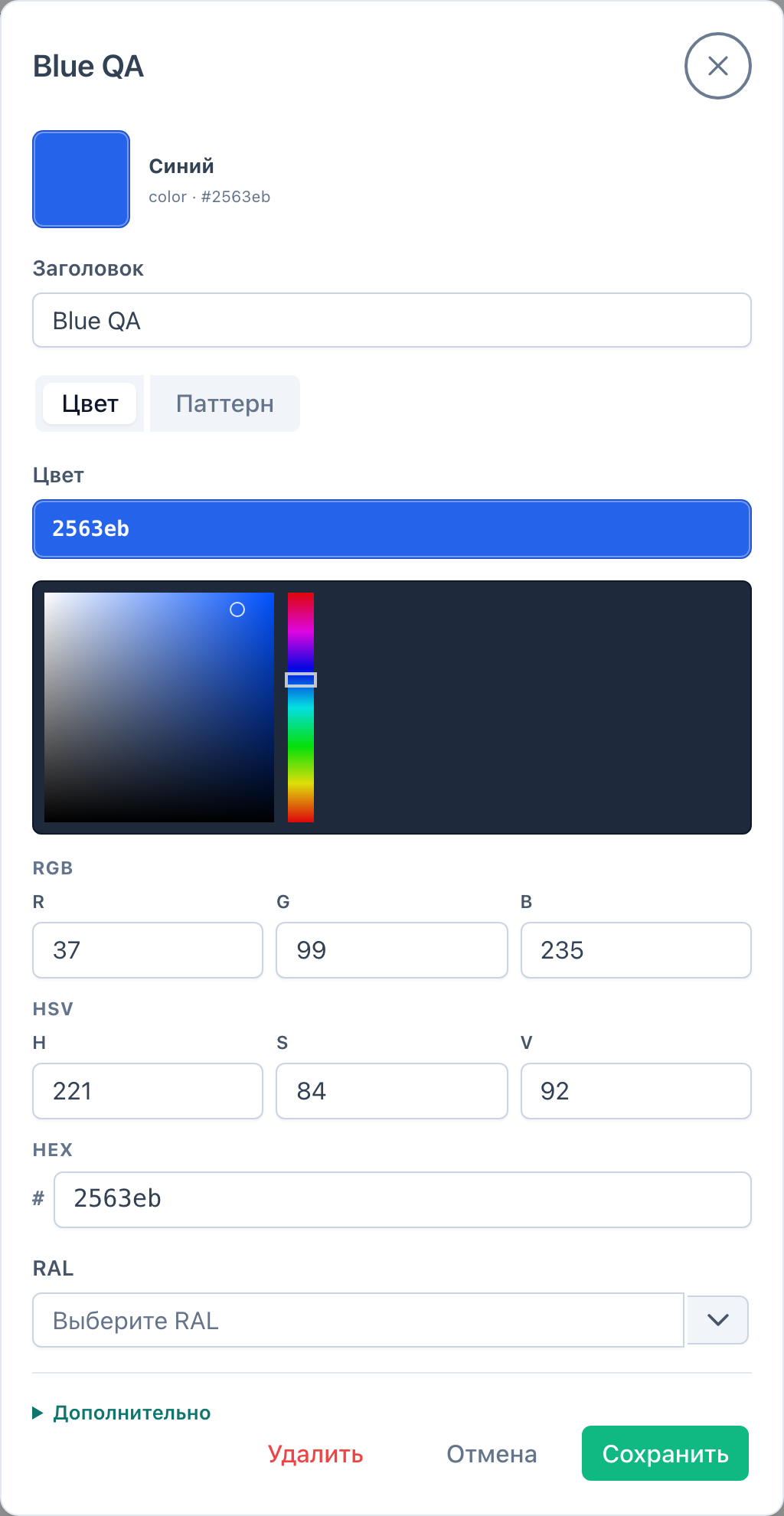
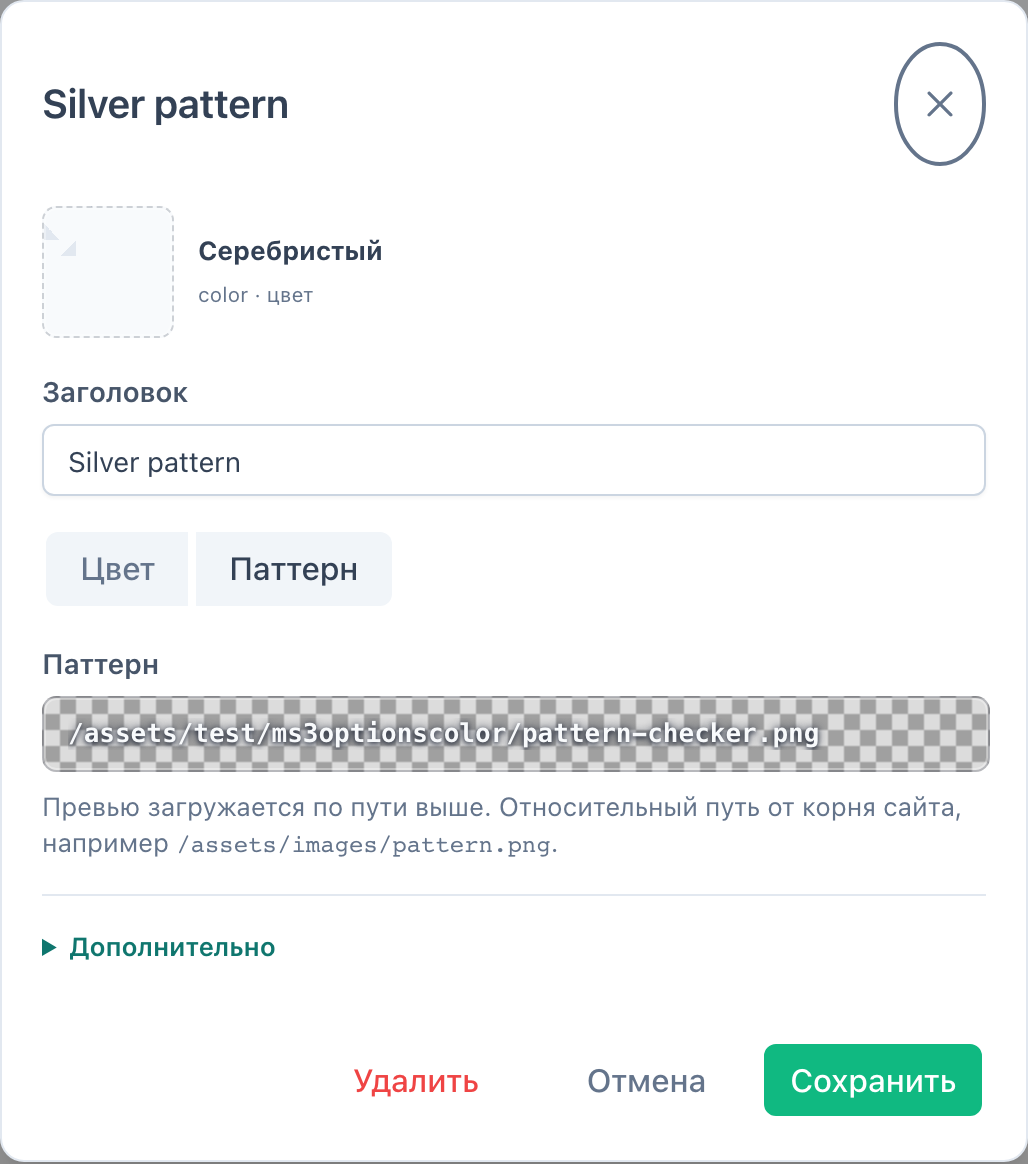
On product_create / product_update the plugin registers the Swatches tab among Vue product tabs.
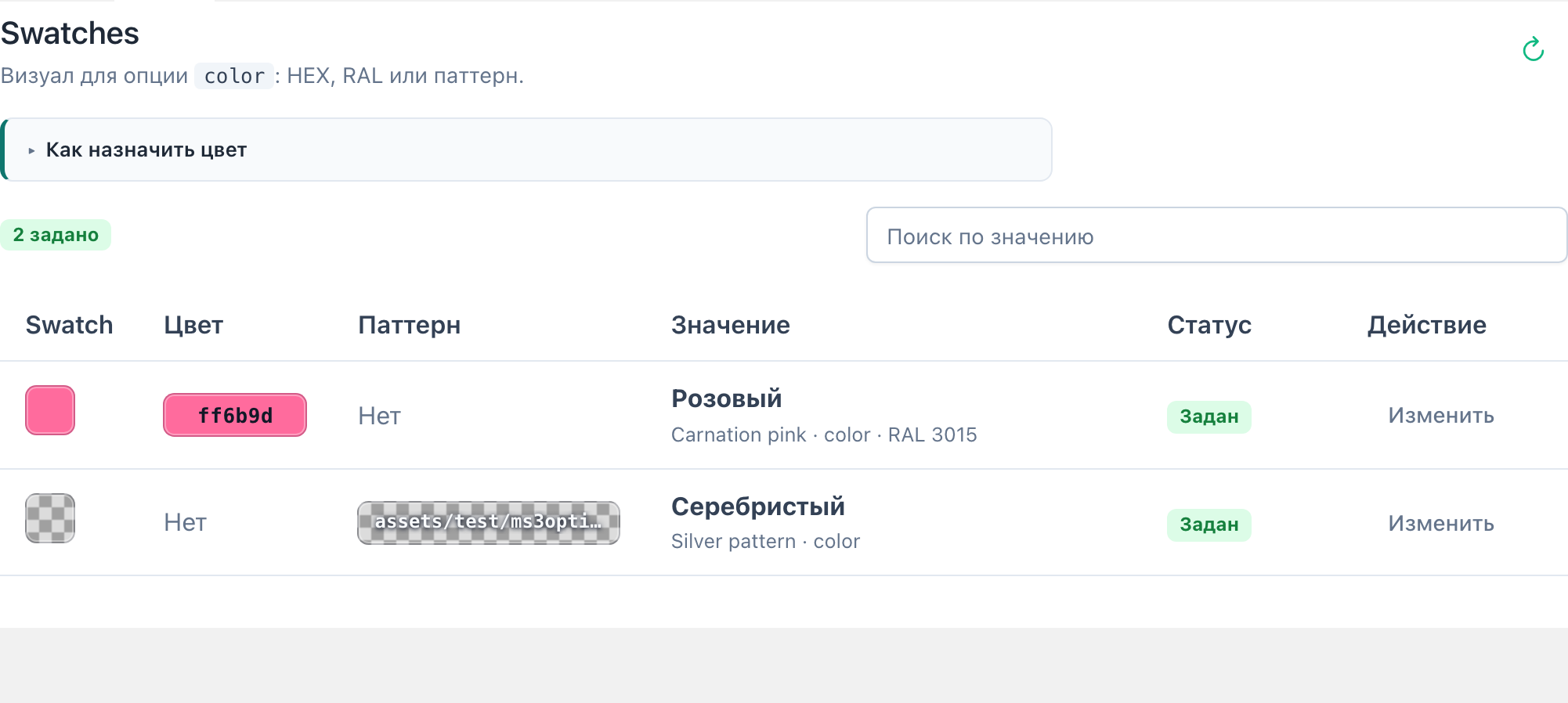
Workflow:
color or keys from ms3optionscolor_default_option_key).Hints from miniShop3 comboColors appear in the UI. The package does not write color into msOption.properties.
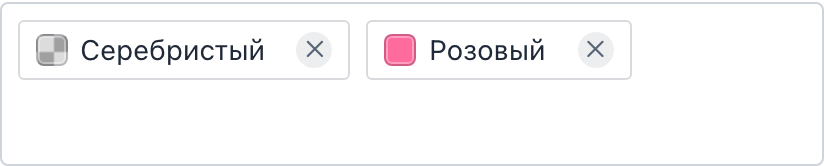
On Product properties script product-option-swatch.js draws a swatch square in option chips. The /map request uses the same miniShop3 connector.
msproduct_save the dictionary will not save.ms3oc appears only when mFilter is installed.